
Easy Glossary
Terms, tooltips, and A-Z pages. Safe auto highlight in articles for Joomla 4, 5, and 6.
Joomla
4 of 4 terms




Why teams pick it
A glossary that stays out of your markup
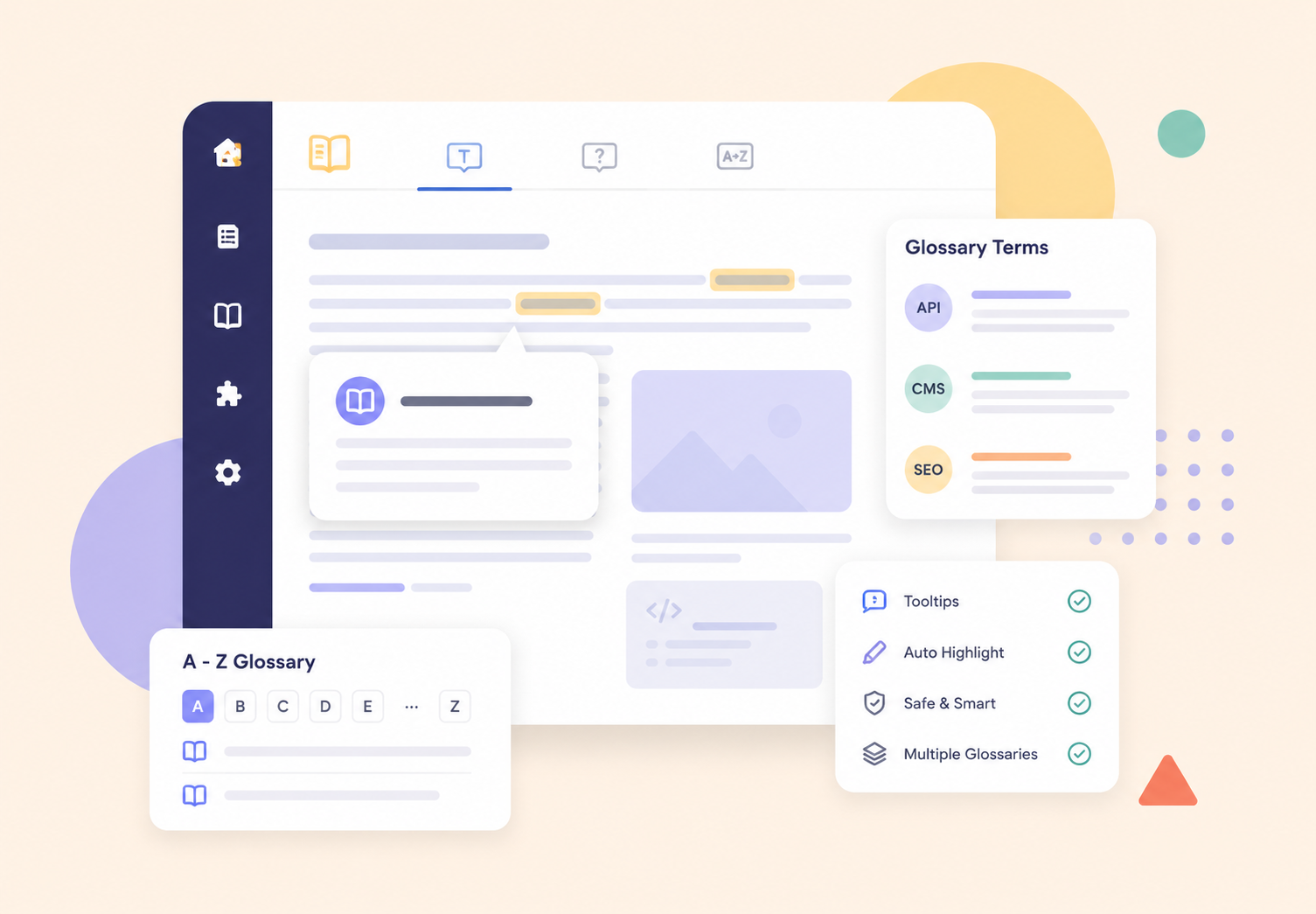
Publish A-Z pages, term detail pages with images, and accessible in-article tips. Highlighting skips headings, links, and code. Search supports contains, begins with, exact, and sounds like. Featured terms can surface first.
Safe highlight
Skips headings, links, buttons, and code. First occurrence and a page cap keep pages readable.
A-Z and pagination
Letter nav, featured filter, AJAX search, and pages or Load more (or both when you want them).
Multiple glossaries
The same spelling can belong to different dictionaries. Scope by article category or per article.
Term intro images
Cards and term pages can show an intro image. Demo terms ship with branded covers.
DefinedTerm JSON-LD
Term pages emit schema. Unique document titles and meta descriptions per listing and term.
Accessible tips
Keyboard focus, aria-describedby, Helix-safe tips. No jQuery and no CDN.
Frontend submit
Visitors can suggest a term. Optional notify email and publish-later workflow for editors.
Related terms
Pick See also terms from a multi-select so definitions stay connected across the dictionary.
Synonyms and abbreviations
Match CMS, abbreviations, and Content Management System from one term. Tips can list synonyms.
Usage map
While you edit a term, see where it is mentioned. CSV import/export and Finder indexing included.
First-time setup
How to try it on your site
- Install System > Install > Extensions. Upload pkg_easyglossary_1.0.0.zip.
- Enable System > Plugins > Content - Easy Glossary. Keep it published.
- Add terms Components > Easy Glossary. Create a glossary, then add titles, short definitions, and optional images.
- Menu Menus > Add New Menu Item > Easy Glossary > Glossary A-Z. Set pagination mode and terms per page as you like.