
HTML Import Pro
Quickly Import HTML contents into Joomla.
30-day money-back guarantee
Changelog — HTML Import Pro
Version 1.0.1: 15 May 2026
- File Upload - Fixed an issue where uploading HTML or ZIP files sometimes showed "No files selected for import" even when a file was chosen
- Drag and Drop - File uploads from the drop zone now work reliably the same as using the browse button
- Upload Feedback - When something goes wrong with an upload (file too large, incomplete upload, or server limits), you now get a clearer explanation instead of a generic message
- Help Text - The list of allowed file types in error messages now matches what the importer accepts, including web page formats you can upload
Version 1.0.0: 20 January 2026
- Initial release - Import HTML files, ZIP archives, web page addresses, and sitemaps into Joomla articles
- Profiles - Save import settings to reuse on similar content
- Logs - Review what was imported and spot any items that need attention
What HTML Import Pro can do for you
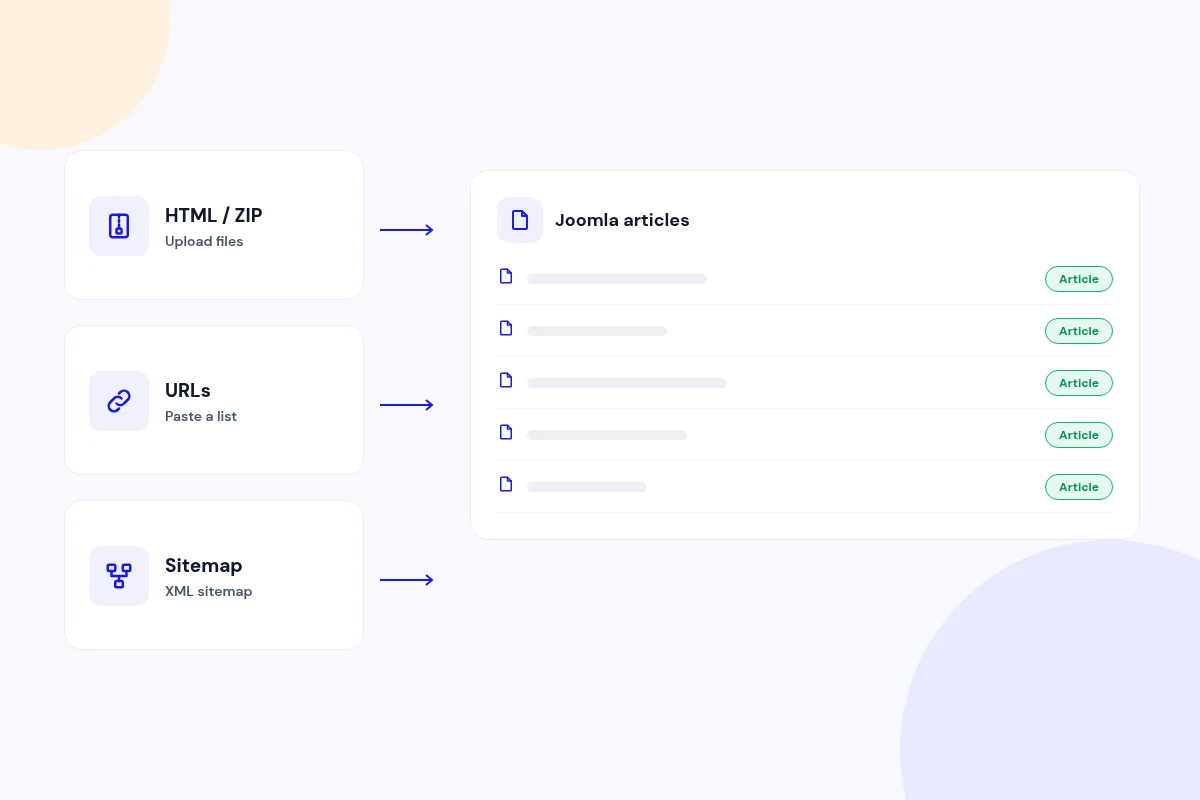
Bring in content from files, URLs or a sitemap
Upload HTML files or a ZIP of them, paste a list of URLs, or point at an XML sitemap. Each page becomes a Joomla article.
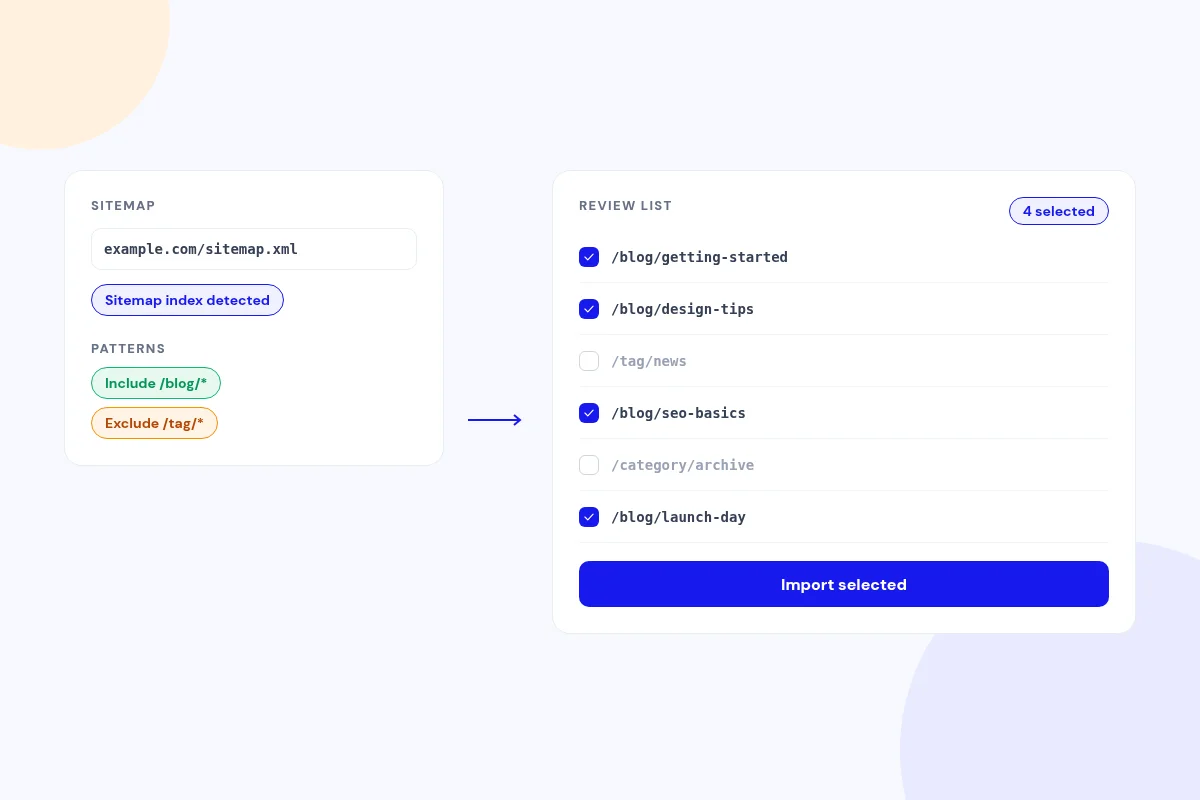
Import a whole site from its sitemap
Use a sitemap URL or file, including sitemap index files. Include and exclude patterns, plus a review list, let you import exactly the pages you want.
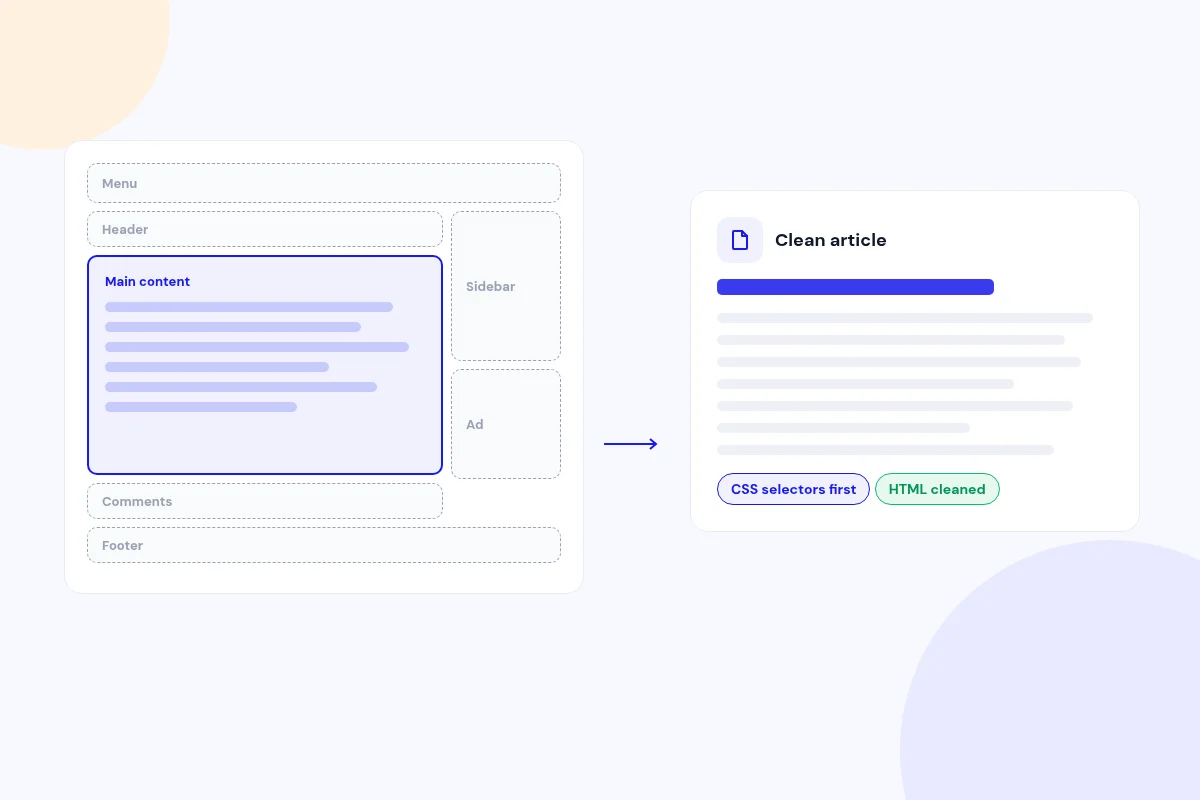
Keep the article and leave the clutter behind
Your CSS selectors come first, then automatic detection finds the main content. Scripts, menus, headers, footers, sidebars, comments and ads are stripped, and the HTML is cleaned.
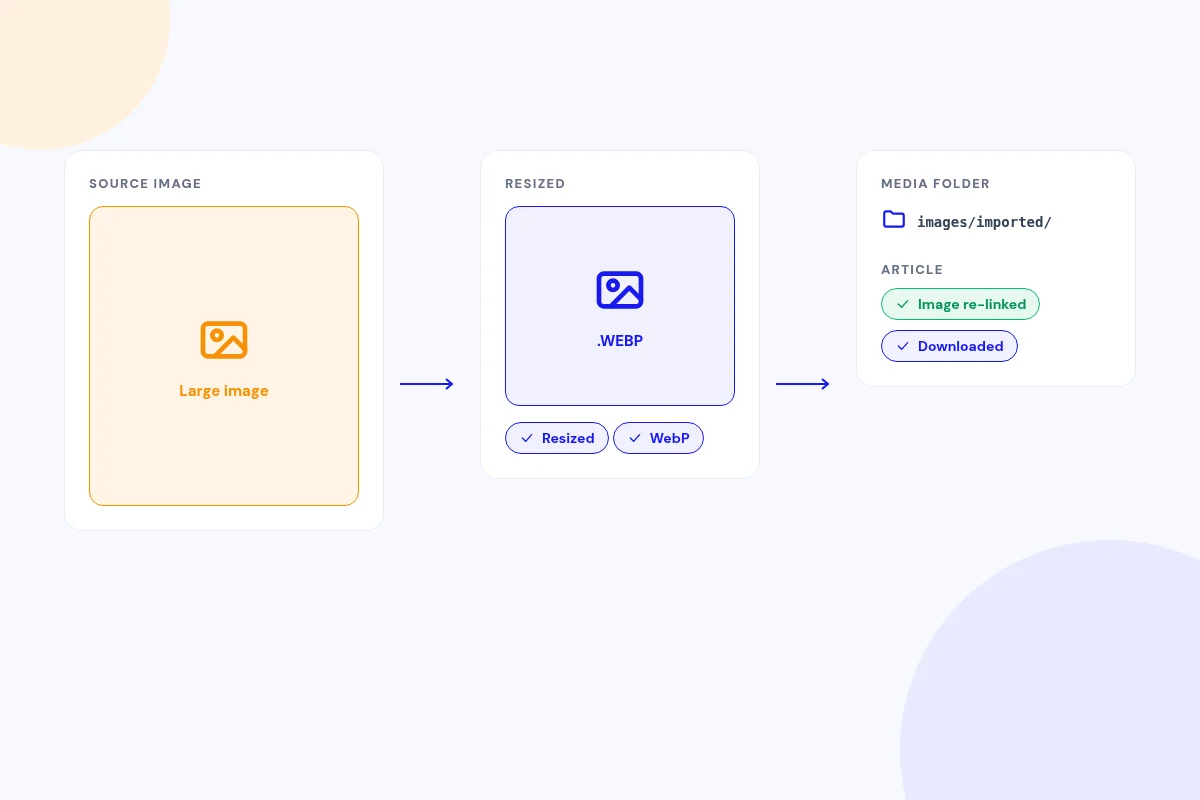
Bring your images along
Images are downloaded to a folder you choose and re-linked in the article. Large images are resized, and you can convert them to WebP.
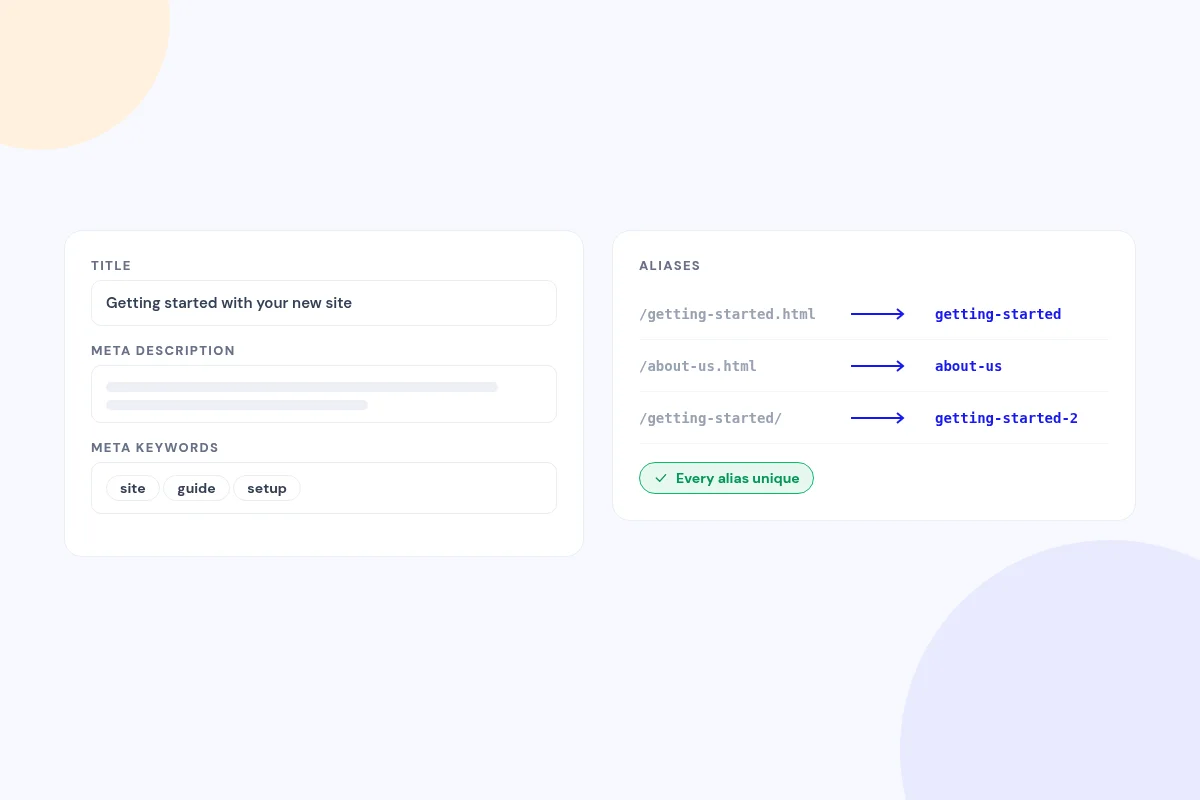
Start with SEO-ready articles
Titles, meta descriptions and meta keywords carry over. Aliases come from the source URL or title, and each one is unique.
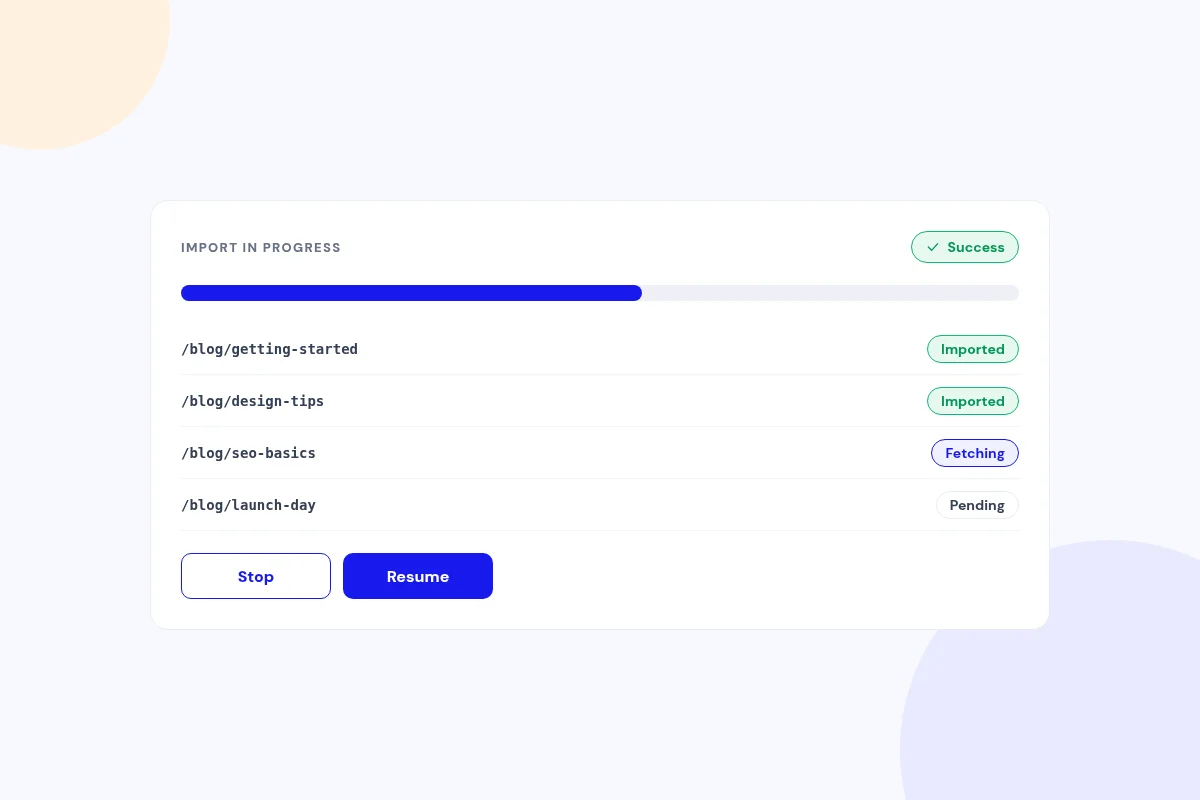
Watch every import as it runs
A progress bar shows each URL's status and the success and failure counts. Stop and resume whenever you like, and one failed page won't stop the batch.
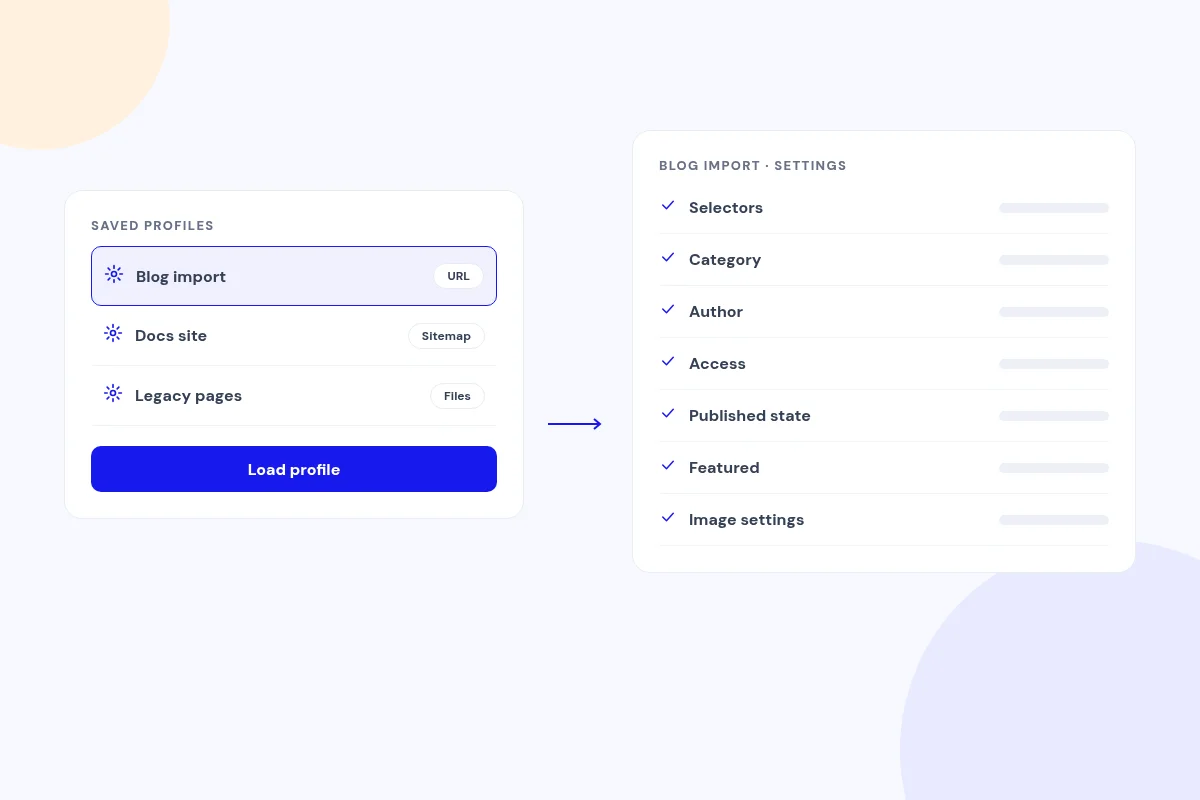
Save your settings once and reuse them
Profiles store your selectors, category, author, access, published state, featured flag and image settings. Load one in a click on the Import screen.
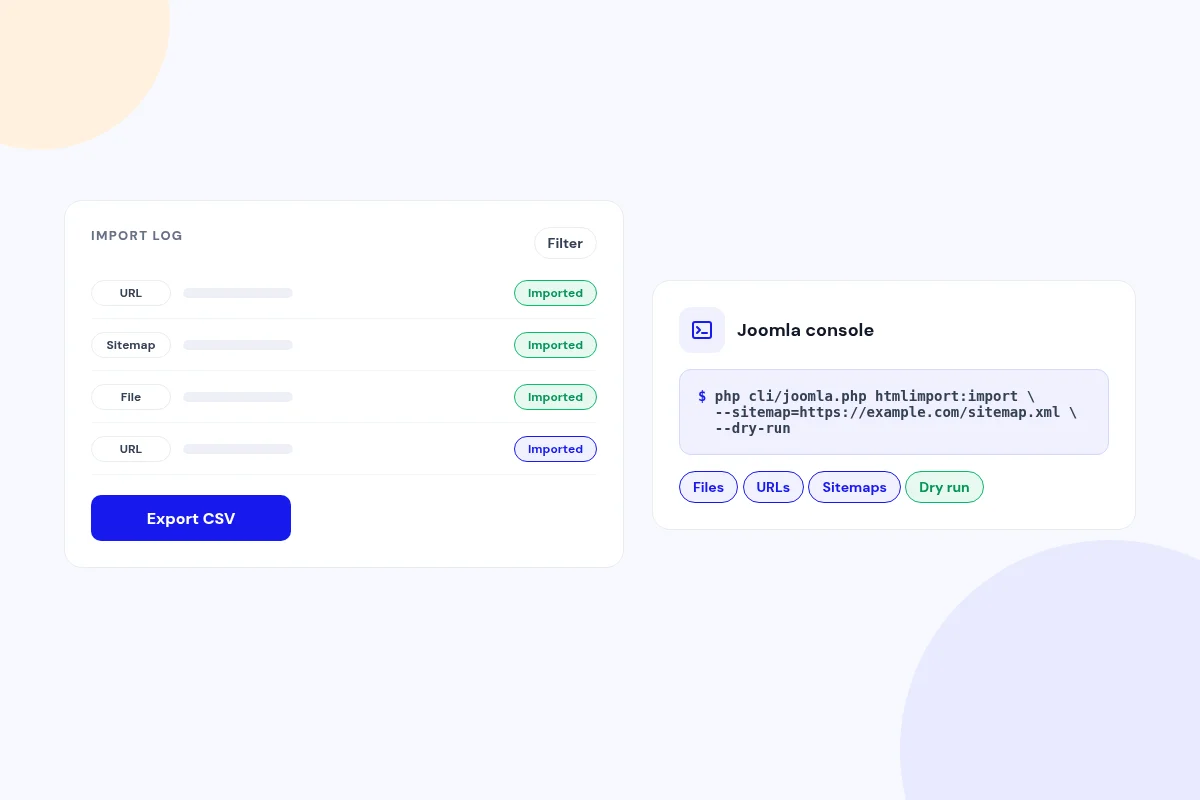
Keep a record of every import, or run it from the command line
Every item is logged with its source, article, status and timing, and you can filter the logs or export them to CSV. A Joomla console command runs imports from files, URLs or sitemaps, with a dry-run option.
Compatibility
FAQ
Which Joomla and PHP versions does it support?
Joomla 4, 5 and 6, with PHP 8.1 or later. ZIP uploads use PHP's ZipArchive, and WebP conversion uses GD with WebP support.
Can I check a page before importing it?
Yes. Preview shows the extracted title, content and meta for a page before you import it.
How do I import only the right part of a page?
Add CSS selectors (tag, #id, .class and descendant selectors) in Options or in a profile. When none match, automatic detection finds the main content.
Do I need to keep the browser open during an import?
Yes. Imports run in your open browser tab, one URL at a time. Stop and Resume let you pause and continue. For unattended runs, use the console command.
Will it overload the site I'm importing from?
You set the timeout and the delay between requests, and it can respect robots.txt. If a firewall or security page blocks a request, it tells you.
Where do imported articles go?
You choose the category, author, access level, published state and featured flag for each import, or save them in a profile.
Ready to import your HTML into Joomla?
Read the HTML Import Pro documentation, then pick a plan.
Get HTML Import Pro (opens in a new window)Read the documentation (opens in a new window)