
Easy Includes
Add CSS and JavaScript files or inline code to Joomla without editing your template.

Changelog — Easy Includes
Version 2.1: 19 October 2026
- Runs on Joomla 5 and 6 with the Behaviour Backward Compatibility plugins disabled
- Group exclusions use the current user identity API
Version 2.0: 20 July 2026
- Rebuilt with Joomla 4 / 5 / 6 service provider, namespace, and SubscriberInterface
- Added per-row Enable switches for files and inline code
- Replaced Head/Body load position with Normal, Defer, and Async script loading
- Added ES module, nomodule, crossorigin, and SRI integrity options for scripts
- Added custom CSS media queries for files and inline styles
- Added Off, Auto, and Aggressive cache busting modes
- Added optional administrator loading and debug logging
- Added exclusions for user groups, components, and URL path fragments
- Tightened path validation and basic inline CSS safety checks
- Added language files and a reproducible 2.0 install package
- Removed obsolete IE conditional comment settings
Version 1.5: 24 November 2025
- Joomla 4, 5 & 6 Compatible - Full support for latest Joomla versions
- Joomla 3.x Support Discontinued - Plugin no longer supports Joomla 3.x
- Modern PHP 8.0+ Support - Updated to use modern PHP syntax and features
- Subform Interface - Replaced textarea fields with subforms for better file and inline code management
- WebAssetManager Integration - Uses Joomla's WebAssetManager for optimal asset loading and caching
- Advanced File Management - Support for file type, load position, script attributes, media queries, and conditional comments
- Priority System - Added priority management for controlling load order of files and inline code
- Cache Busting - Added option to enable cache busting for file URLs
- Inline Code Management - Separate subform for managing inline CSS and JavaScript/jQuery code
- Code Optimization - Refactored code with better structure and improved error handling
- Improved Security - Enhanced path validation and directory traversal protection
Version 1.4: 11 December 2023
- Supports Joomla 5 without Backward Compatiblity Plugin
Version 1.3: 11 February 2023
- Single file installation for both Joomla 3 and Joomla 4
Version 1.2: 25 October 2022
- Supports Joomla 4
Version 1.1: 02 February 2017
- Joomla Update System Integrated
What Easy Includes can do for you
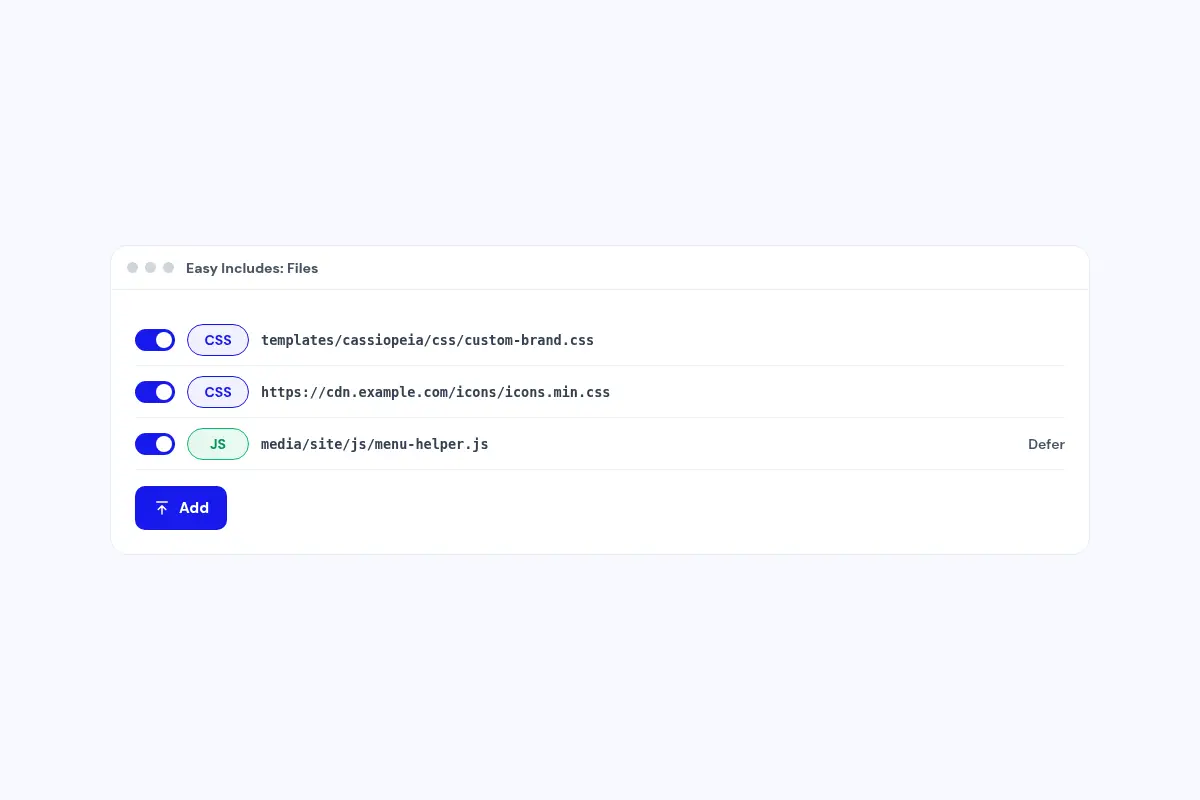
Add CSS and JavaScript without touching the template
Add files from your site or a CDN in the plugin settings. Template updates leave them in place.
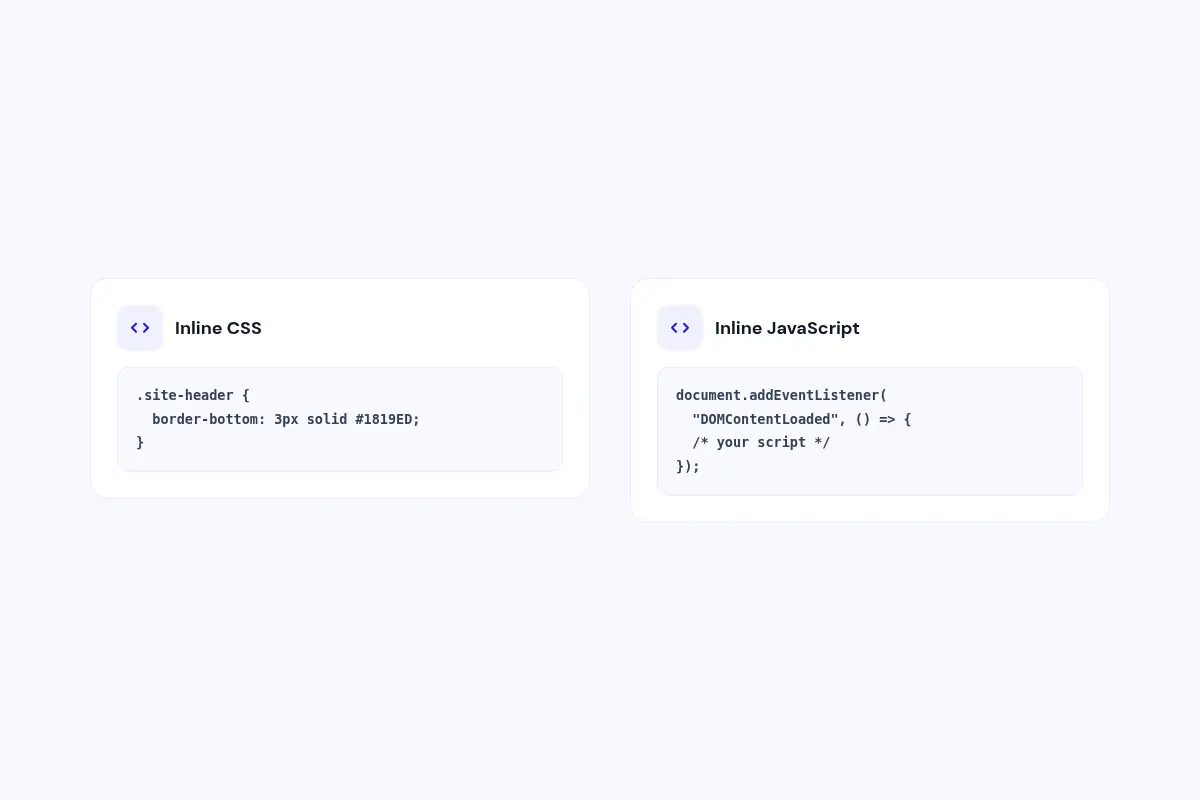
Paste inline code
Add small CSS fixes or scripts as inline code, each in its own row.
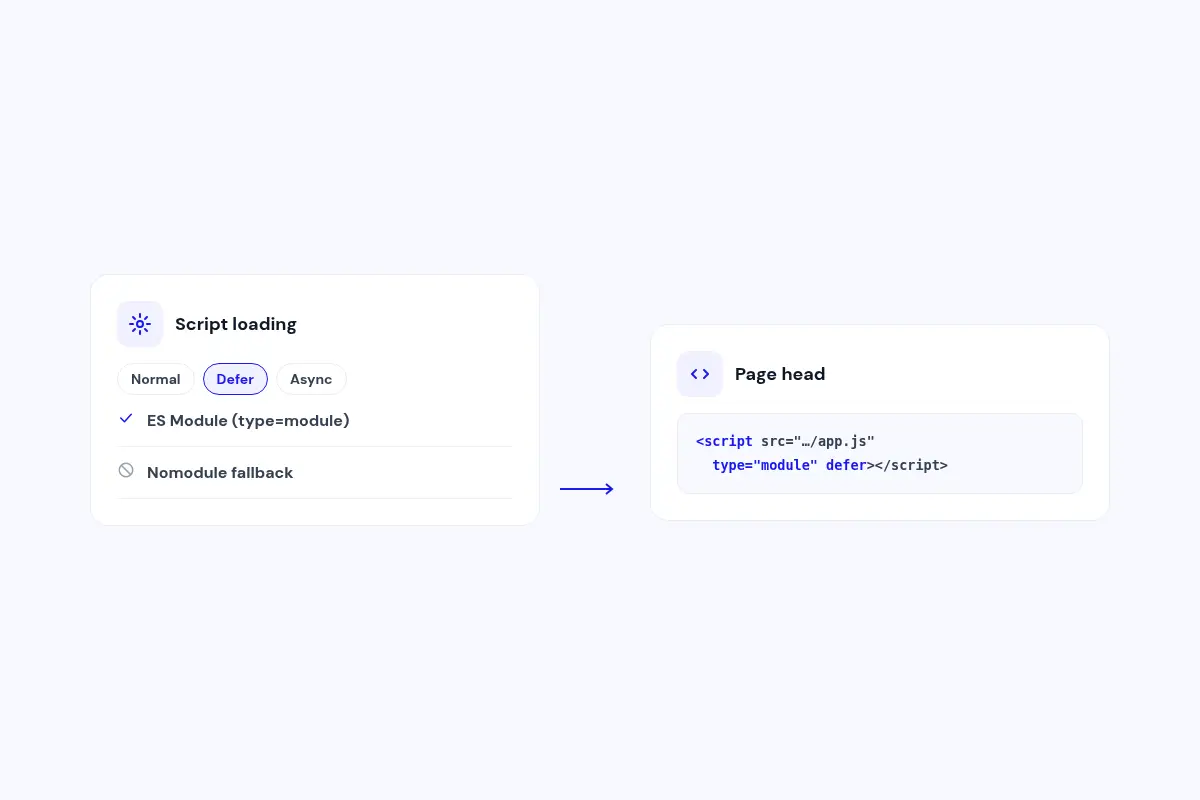
Load scripts the way you want
Choose normal, defer or async loading, and set type module or nomodule where you need it.
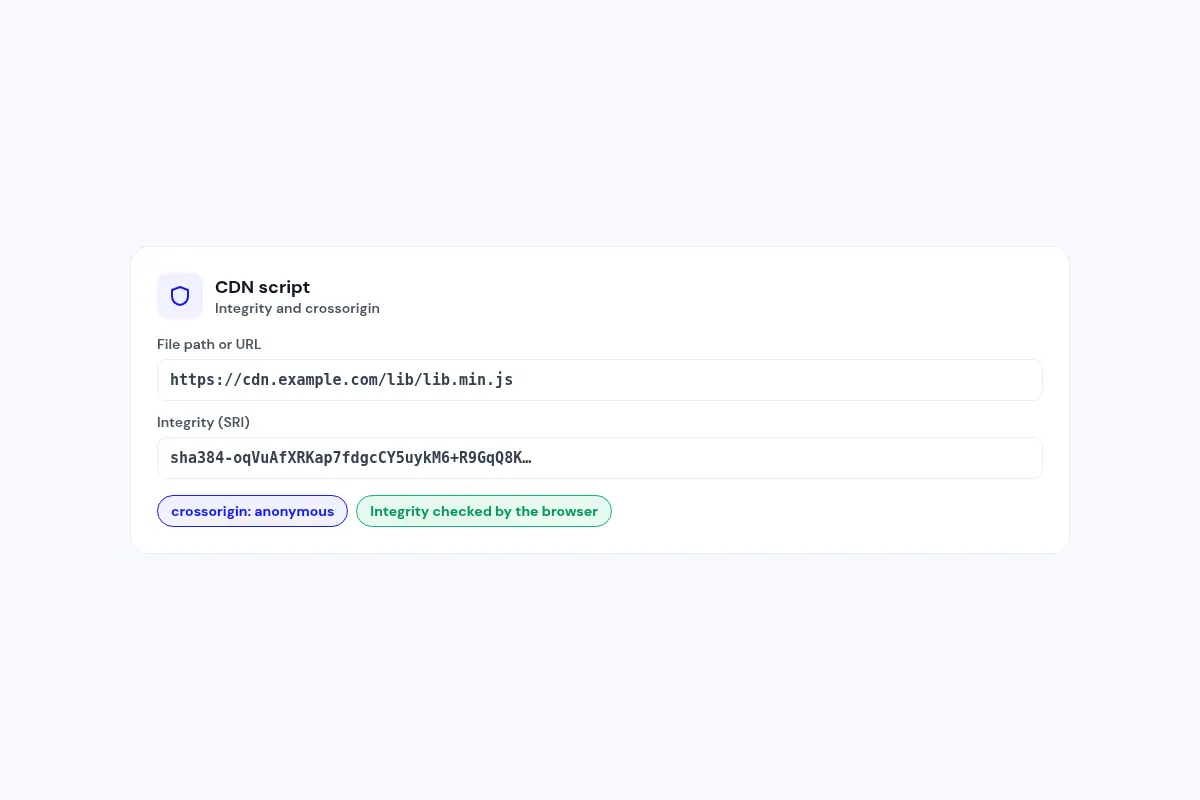
CDN files with integrity checks
Add a Subresource Integrity hash and a crossorigin mode to CDN scripts.
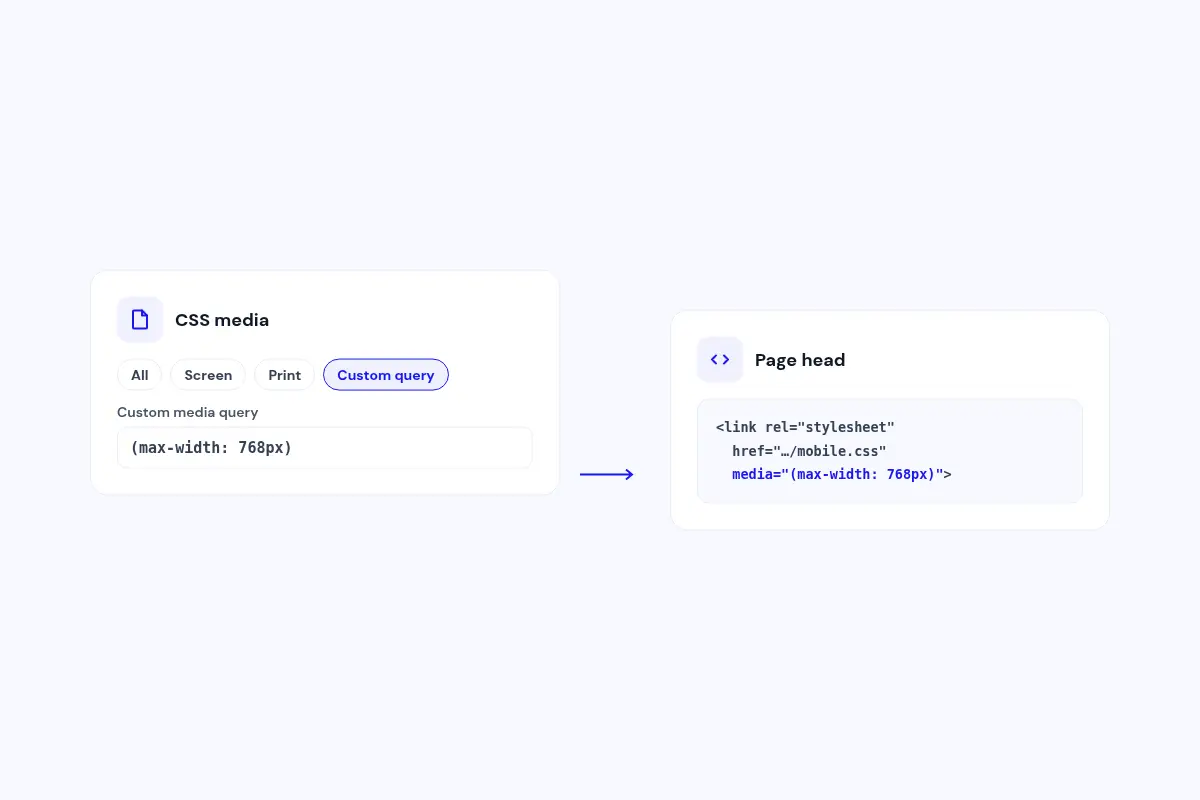
Stylesheets for the right screen
Apply a stylesheet to all media, screen, print or a custom media query.
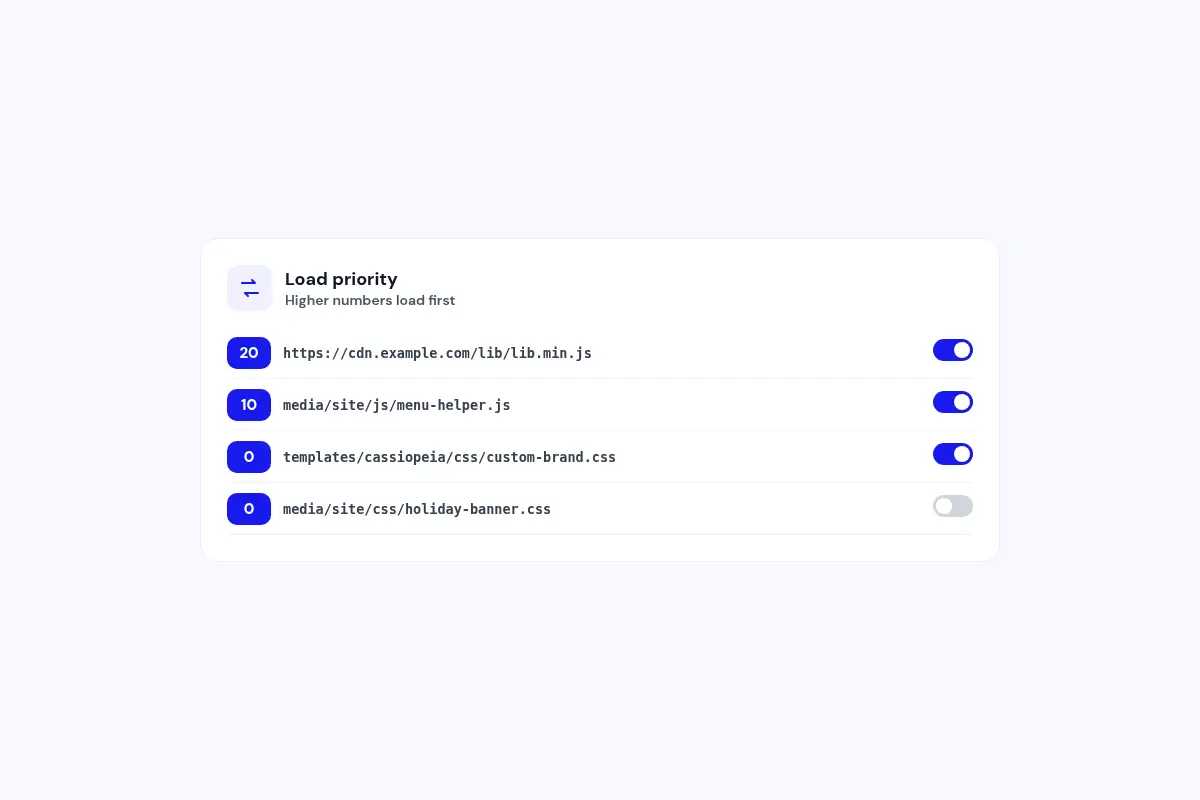
Control the order
Set a load priority for each row and switch rows on or off without deleting them.
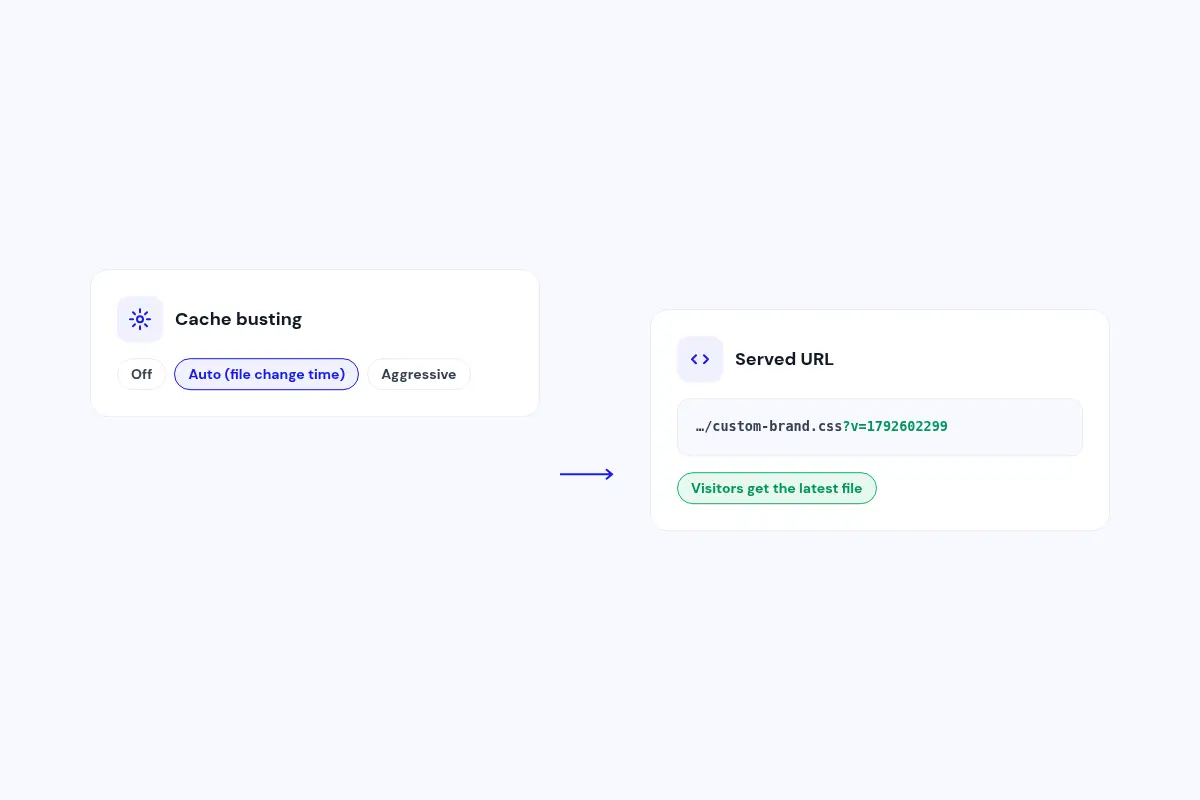
Fresh files after every change
Auto cache busting adds the file's change time to its URL, so visitors get your latest version.
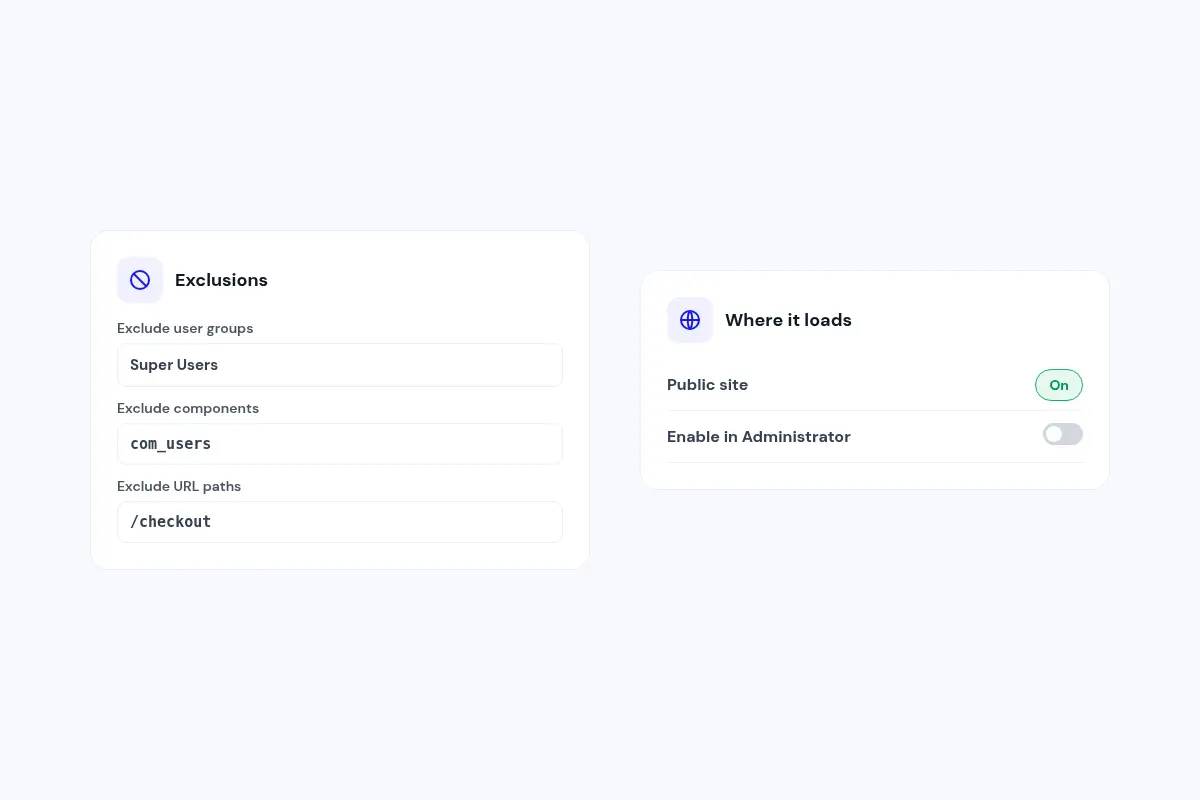
Load only where you want
Skip chosen user groups, components or URL paths, and also load in the administrator if you like.
How it works in 3 steps
Install
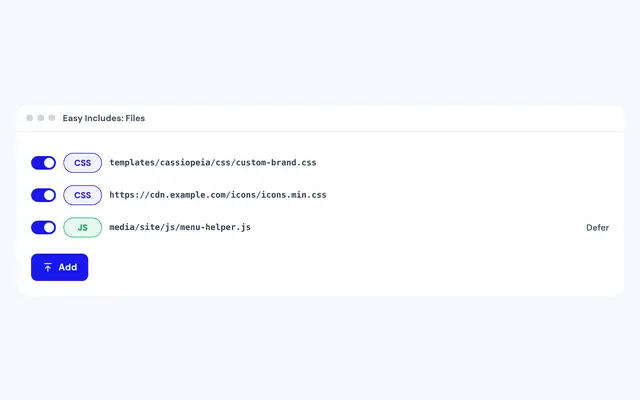
Install the plugin and enable it in System, Plugins.
Add your code
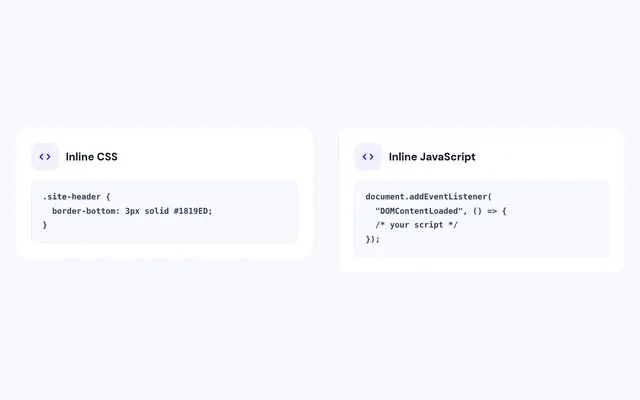
Add file paths or paste inline CSS and JavaScript.
Save and check
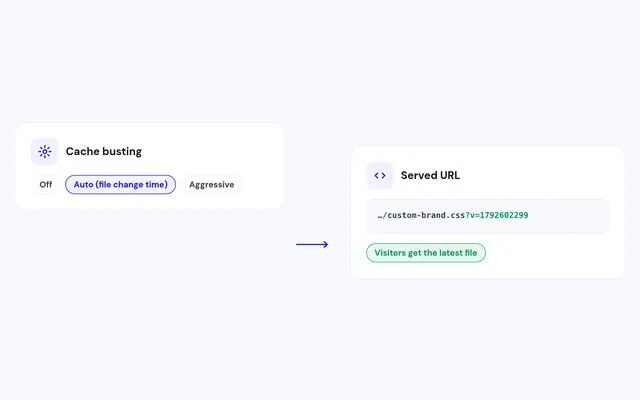
Save, clear the cache and view your page source.
Compatibility
FAQ
Which Joomla and PHP versions does it support?
Joomla 4, 5 and 6, with PHP 7.4 or later. PHP 8.1 or later is recommended.
Is Easy Includes free?
Yes. Download it and use it on your sites.
Will my code survive a template update?
Yes. Your files and code are saved in the plugin settings, not in the template.
Can I add Google Fonts or an icon library?
Yes. Add the stylesheet URL as a CSS file and it loads on every page.
Can I stop a file loading on one page?
Yes. Exclude it by component or URL path, or switch the row off.
Does it work in the administrator?
Yes, if you turn on Enable in Administrator. By default it loads on the public site only.
Ready to add Easy Includes to your site?
Read the Easy Includes documentation, then download it free.
Download Easy Includes (opens in a new window)Read the documentation (opens in a new window)