
Migration Scanner
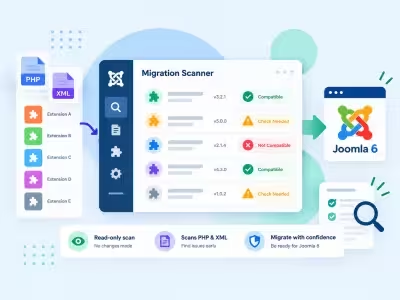
Free, read-only scan of your third-party extensions. See what will break on Joomla 6, with file, line and replacement.
Changelog — Migration Scanner
Version 1.0.2: 20 October 2026
- Download Key support on the update site (dlid).
Version 1.0.1: 19 October 2026
- Runs on Joomla 5 and 6 with the Behaviour Backward Compatibility plugins disabled
- Configuration form scripts load through the Web Asset Manager
Version 1.0.0: 12 October 2026
- First public release: read-only PHP and XML scan of enabled third-party extensions.
- Dashboard plan, extension inventory, and per-extension findings with file, line, and replacement.
- Compatibility-plugin layers (aliases, legacy classes, removed asset stubs) plus host banner for compat / compat6.
- JSON export and printable site report.
- Configuration for target Joomla version and files per step.
- Joomla 4.4, 5, and 6 with PHP 8.1 or later.
- Paid support in the administrator: free scanner, optional Infyways rewrite quote.
What Migration Scanner can do for you
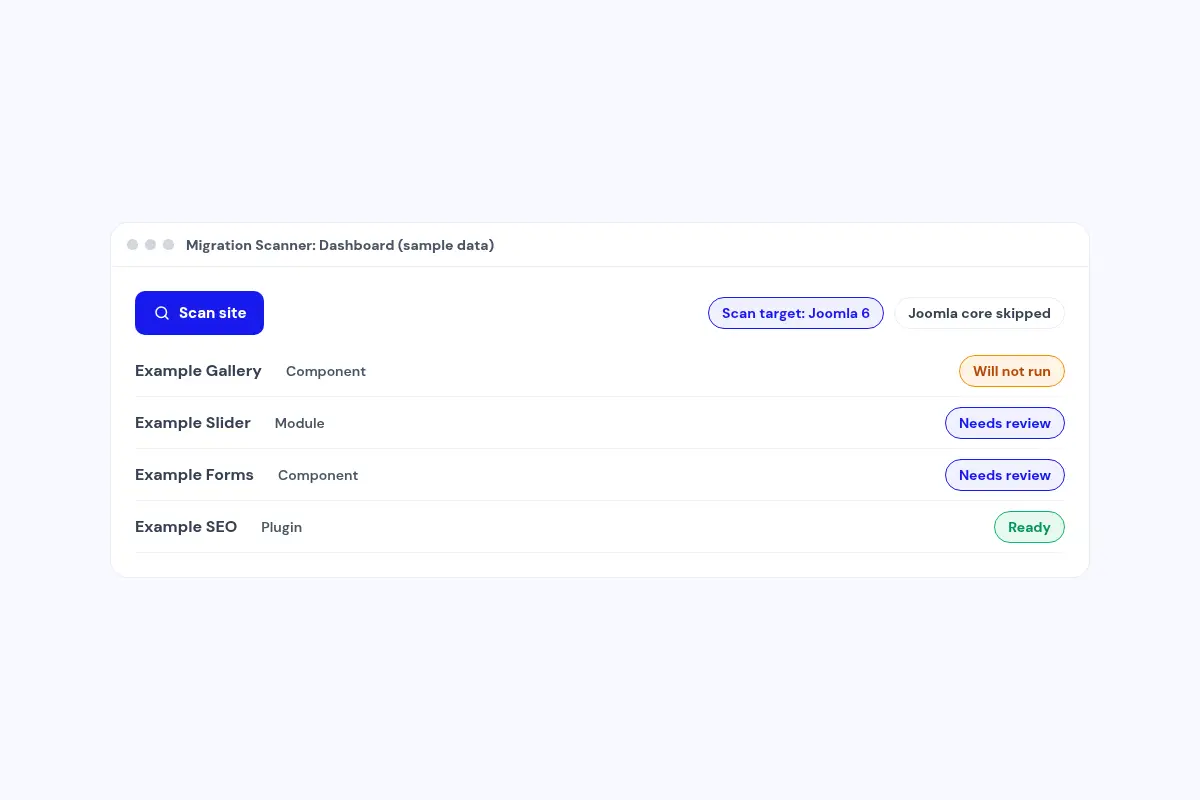
See what will break before you migrate
Scan the PHP and XML of every enabled third-party extension against Joomla 6, or pick Joomla 4 or 5 as the target. Joomla core is skipped.
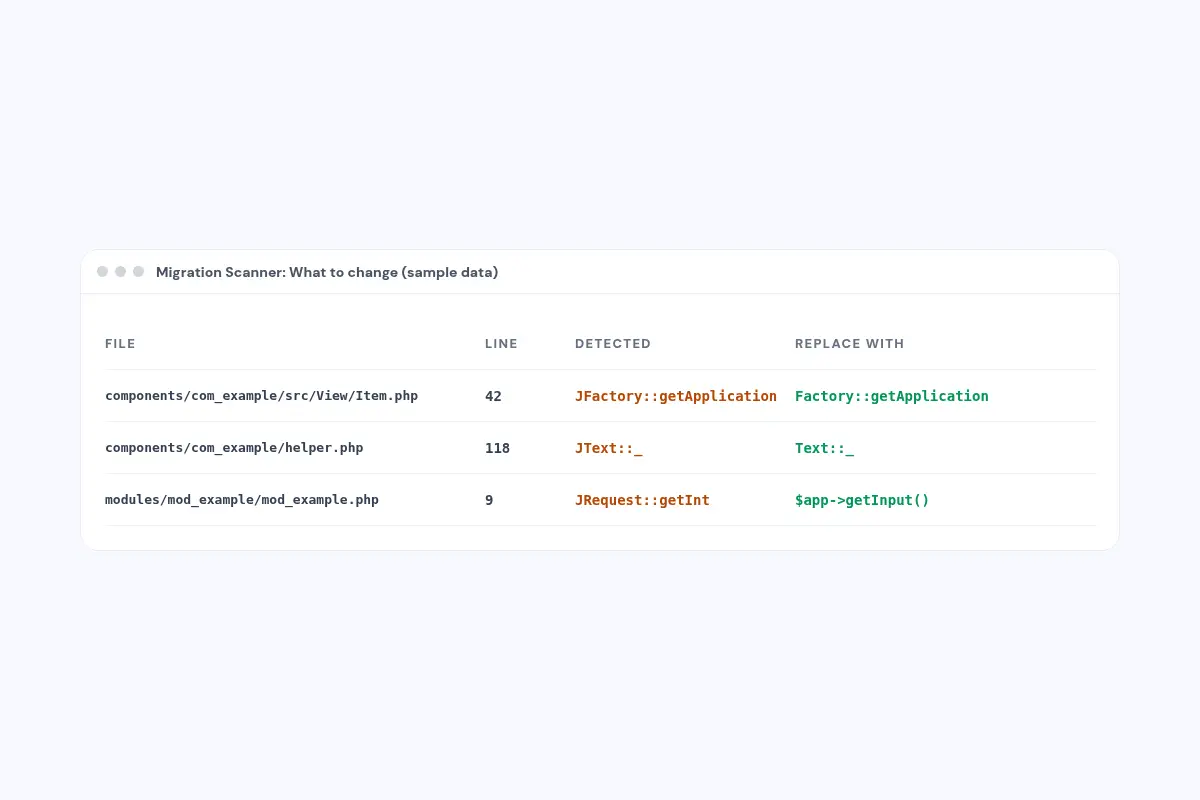
File, line and the fix
Each finding names the file, the line, what was detected and what to replace it with.
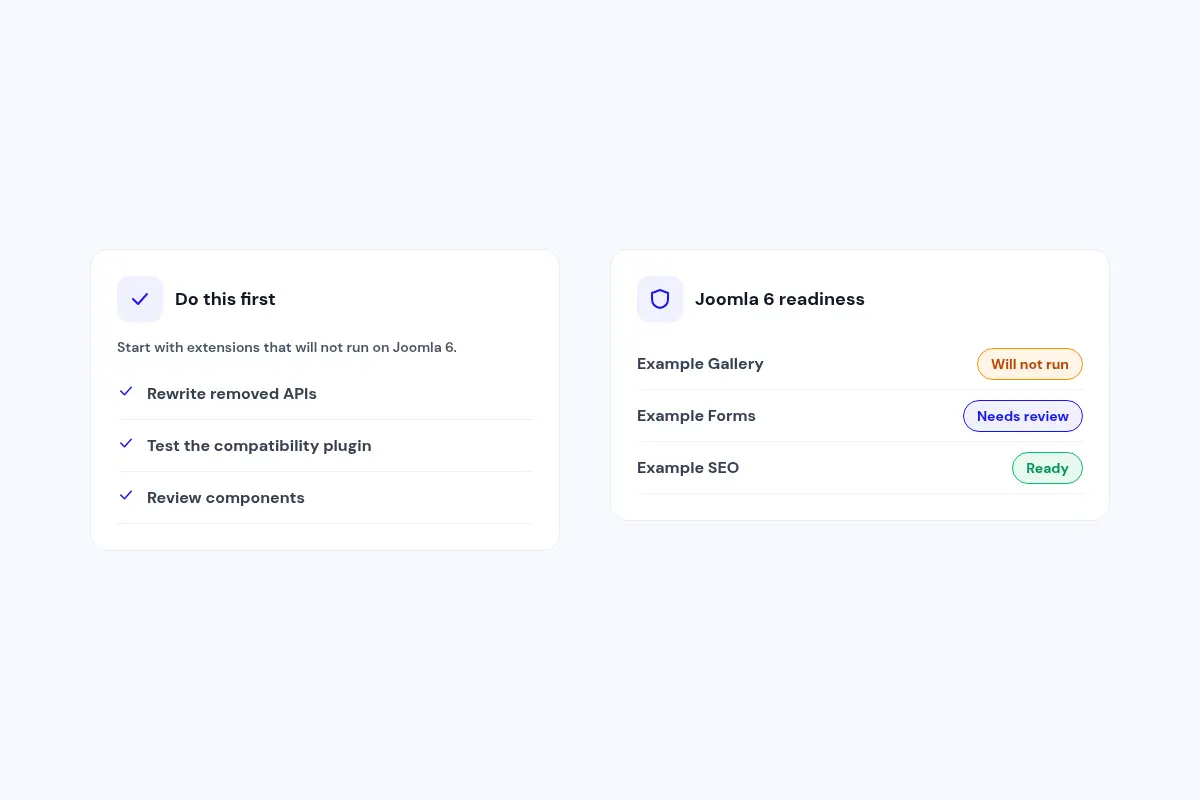
Worst first
A short plan starts with the extensions that will not run on Joomla 6, so you know where to begin.
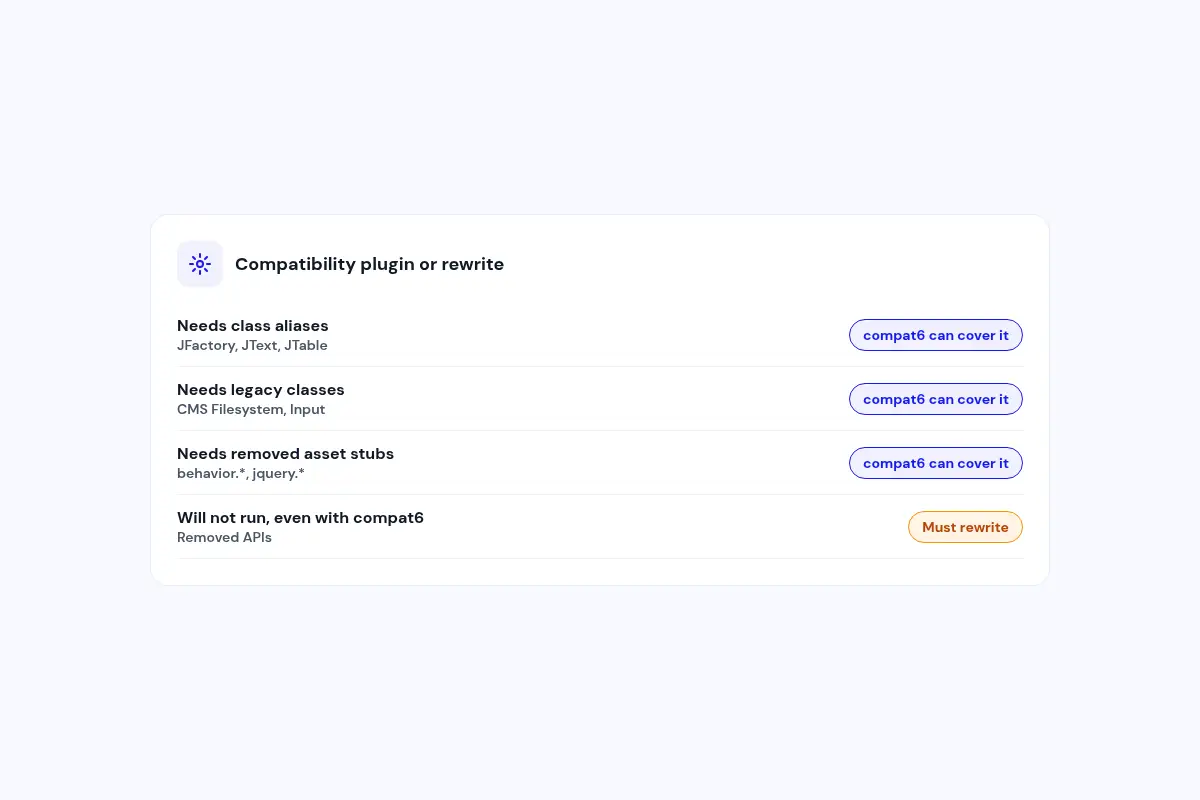
Compatibility plugin or rewrite
See what still needs the compat6 class aliases, legacy classes or asset stubs, and what needs a rewrite.
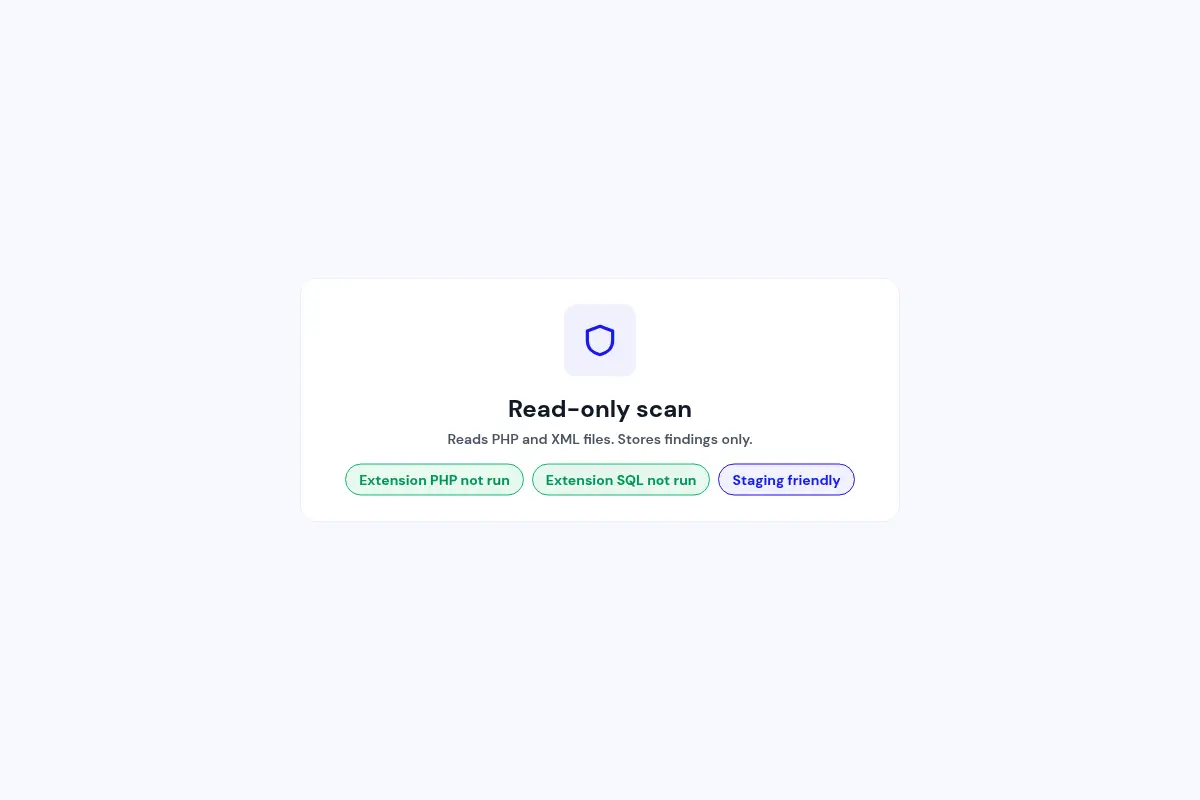
Safe to run on any copy
The scan reads files only. Extension PHP and SQL are never executed.
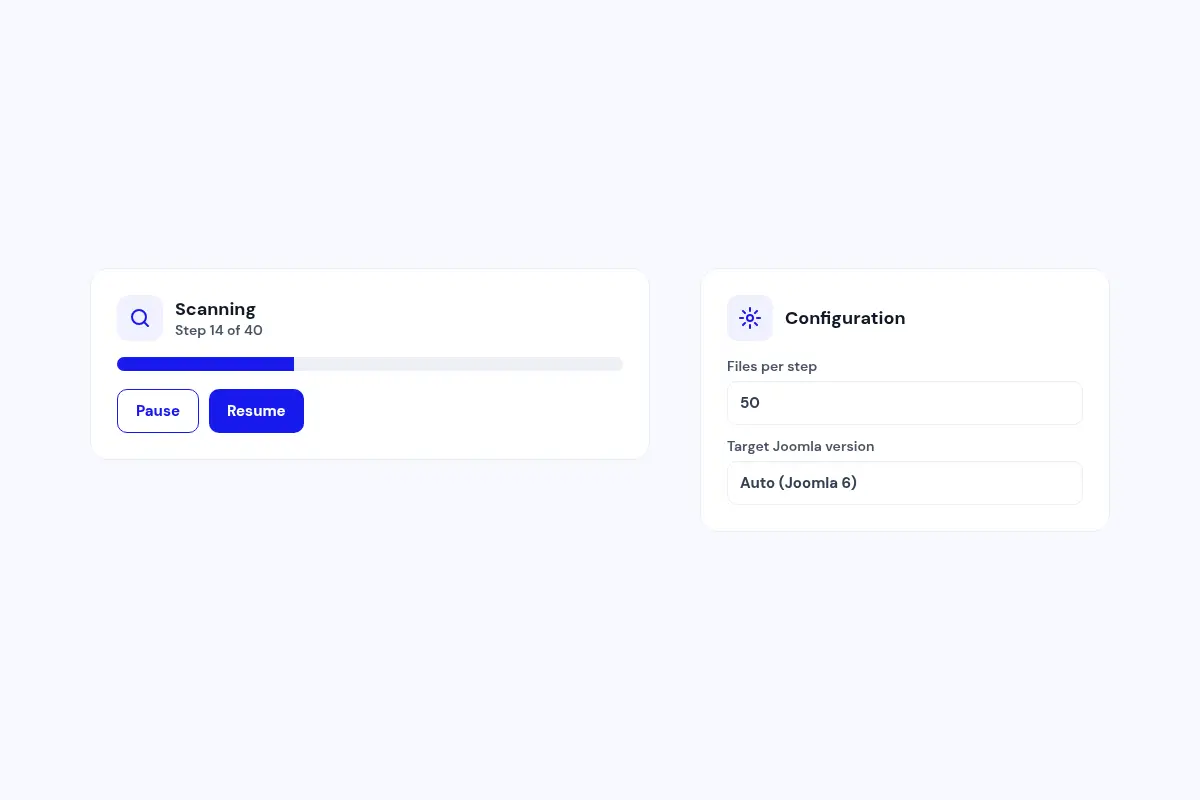
Comfortable on modest hosting
The scan runs in small steps you can pause and resume, and you choose how many files go in each step.
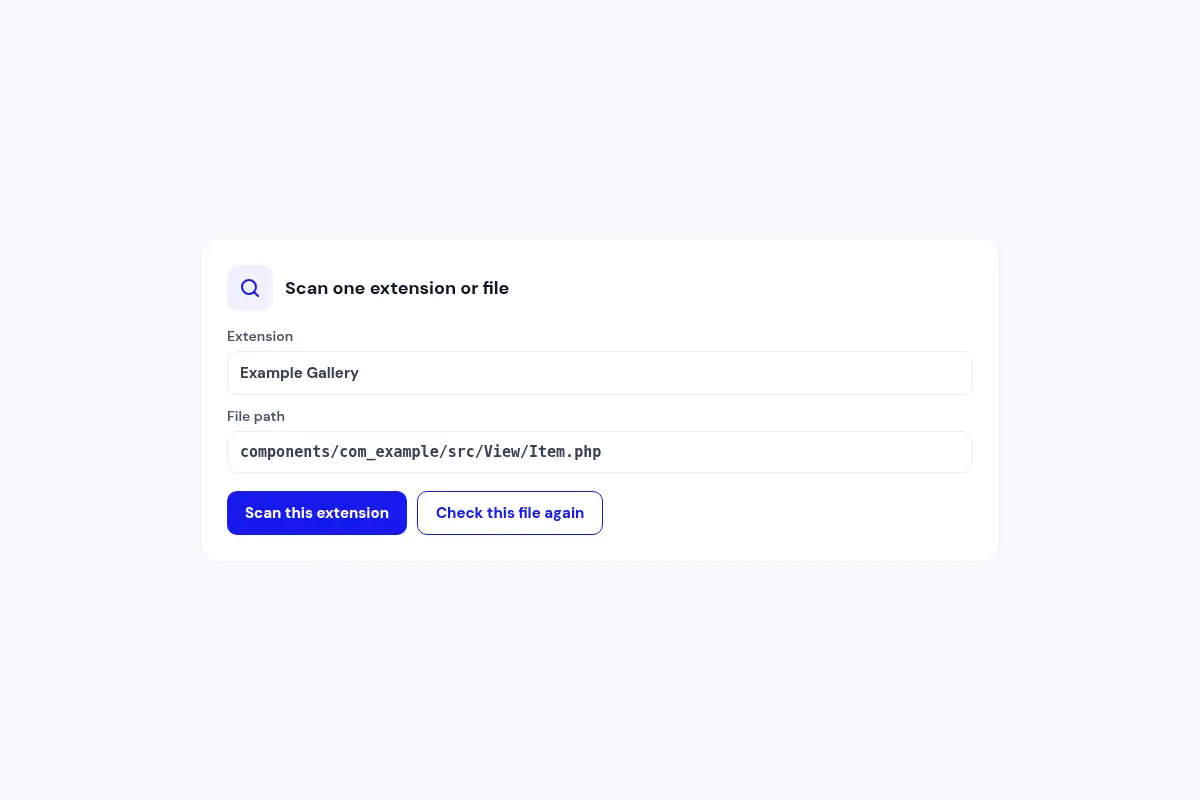
Check one fix at a time
After you change an extension, scan just that extension or a single file again.
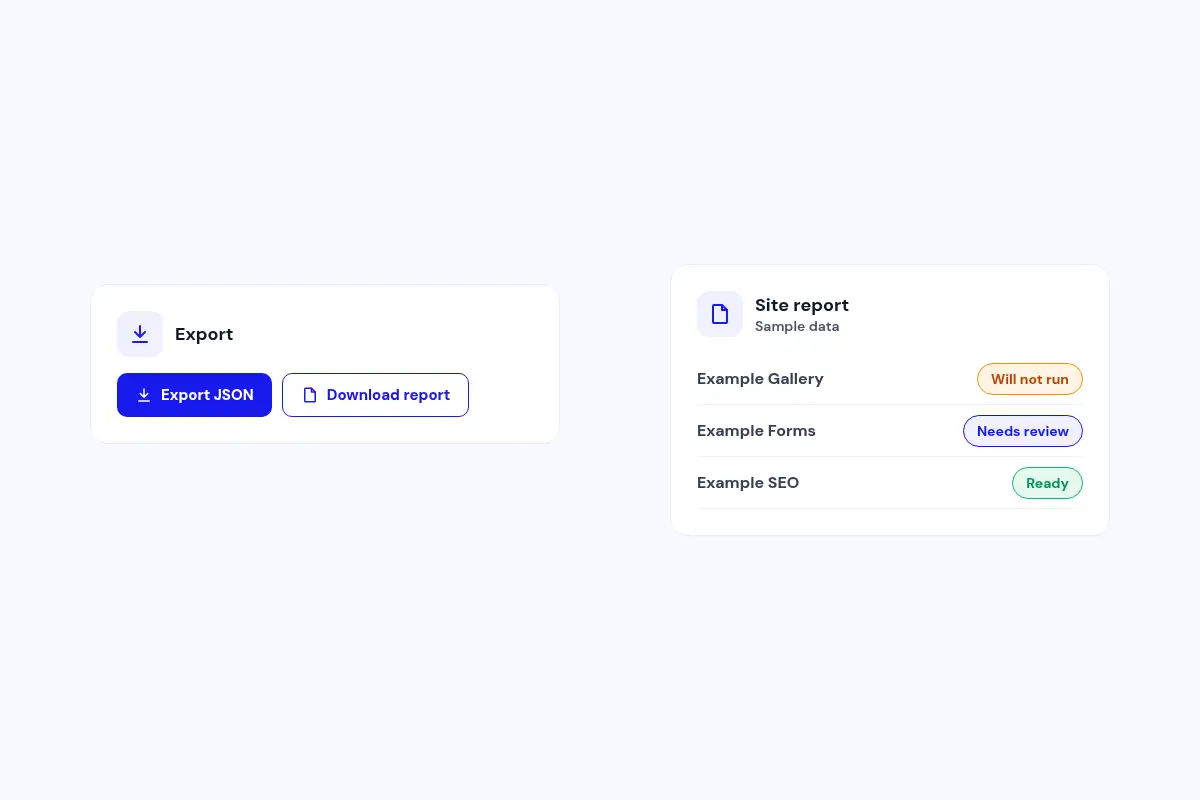
Share the results
Export the findings as JSON or download a site report for your developer, agency or client.
How it works in 3 steps
Install
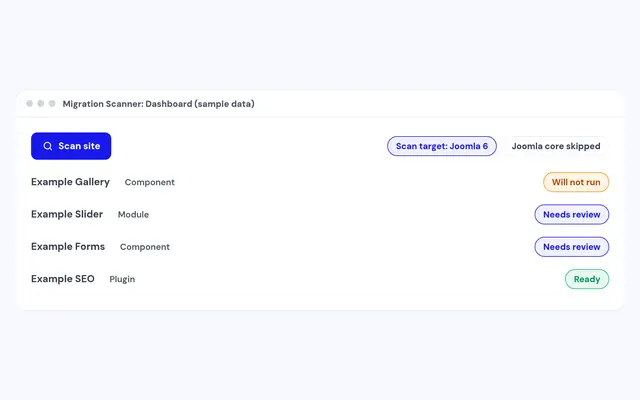
Install the package on a staging copy of your site.
Scan
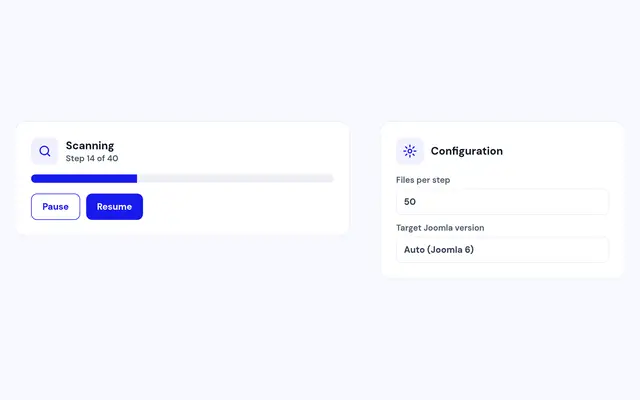
Open Components, Migration Scanner and click Scan site.
Fix
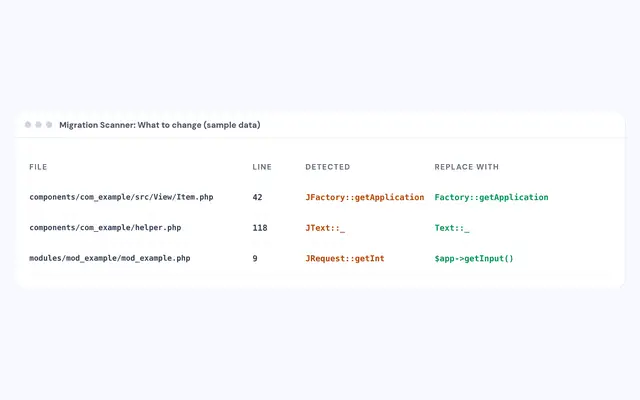
Open the extensions that need work and follow the replacements.
Compatibility
FAQ
Which Joomla and PHP versions does it support?
Joomla 4.4, 5 and 6, with PHP 8.1 or later.
Is Migration Scanner free?
Yes. Download it, install it and scan as often as you like.
Does the scan change my site?
No. It reads PHP and XML files and stores its findings. It doesn't run extension code or SQL.
Which extensions does it check?
Enabled third-party components, modules, plugins and templates. Joomla core is skipped.
Can I get help fixing an extension?
Yes. Open Paid support inside the scanner and Infyways can quote a rewrite or upgrade.
Should I run it on my live site?
A staging copy is best, so you can scan, fix and scan again before you migrate.
Ready to add Migration Scanner to your site?
Read the Migration Scanner documentation, then download it free.
Download Migration Scanner (opens in a new window)Read the documentation (opens in a new window)