
Migrate K2 Pro
Move K2 categories, items, tags, extra fields and main images into core Joomla articles on Joomla 3, ready for your upgrade.
30-day money-back guarantee
Changelog — Migrate K2 Pro
Version 1.2.1: 08 May 2026
- Fixed issues with JSON image formats.
Version 1.0.1: 13 April 2026
- Fixed issue with database installation.
- Move K2 to core articles on Joomla 3
- Remove K2
- Upgrade Joomla
What Migrate K2 Pro can do for you
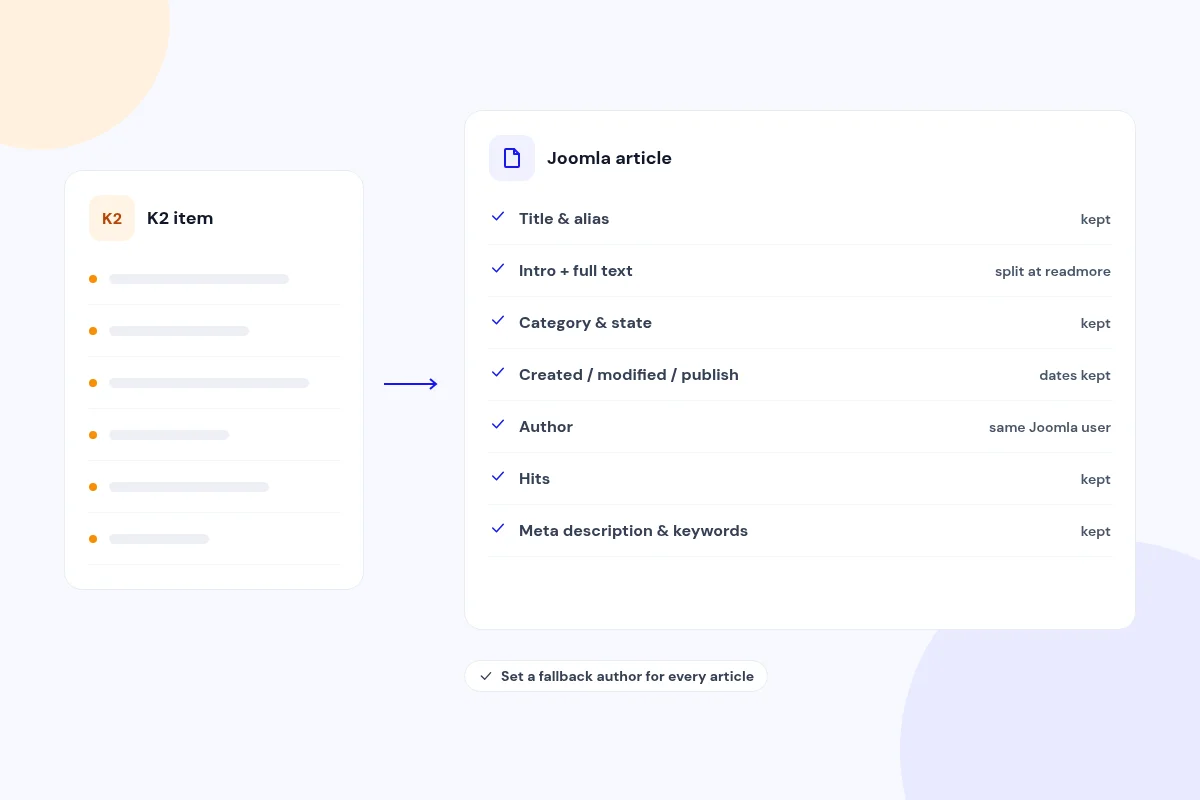
Turn K2 items into core Joomla articles
Each K2 item becomes a core Joomla article with its title, alias, intro and full text, category, published state, featured flag, access, language and ordering.
Created, modified and publish dates, hits, meta description and meta keywords carry over. Articles keep the same Joomla user as the author, and you can set a fallback user for items with no author.
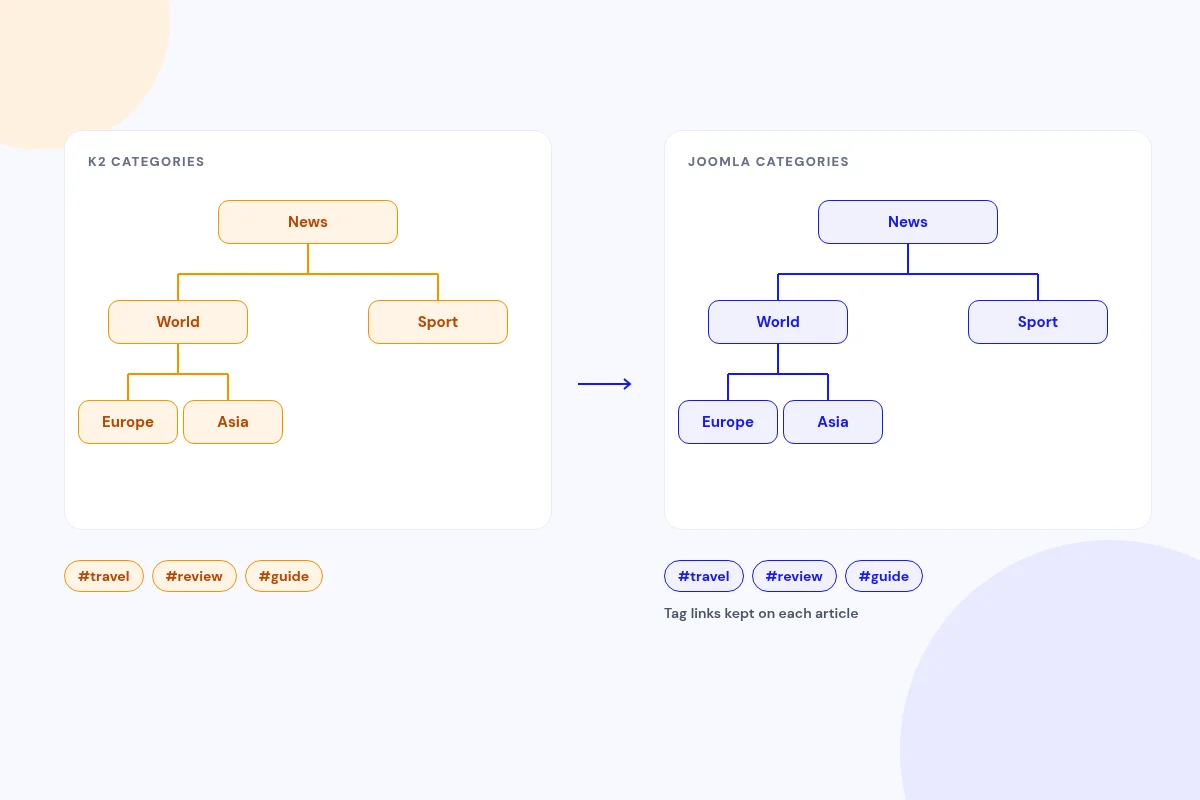
Keep your category tree and tags
K2 categories become Joomla categories with the same parent-child hierarchy, title, alias, description, published state, access and language.
Published K2 tags become Joomla tags, and each article keeps its tag links.
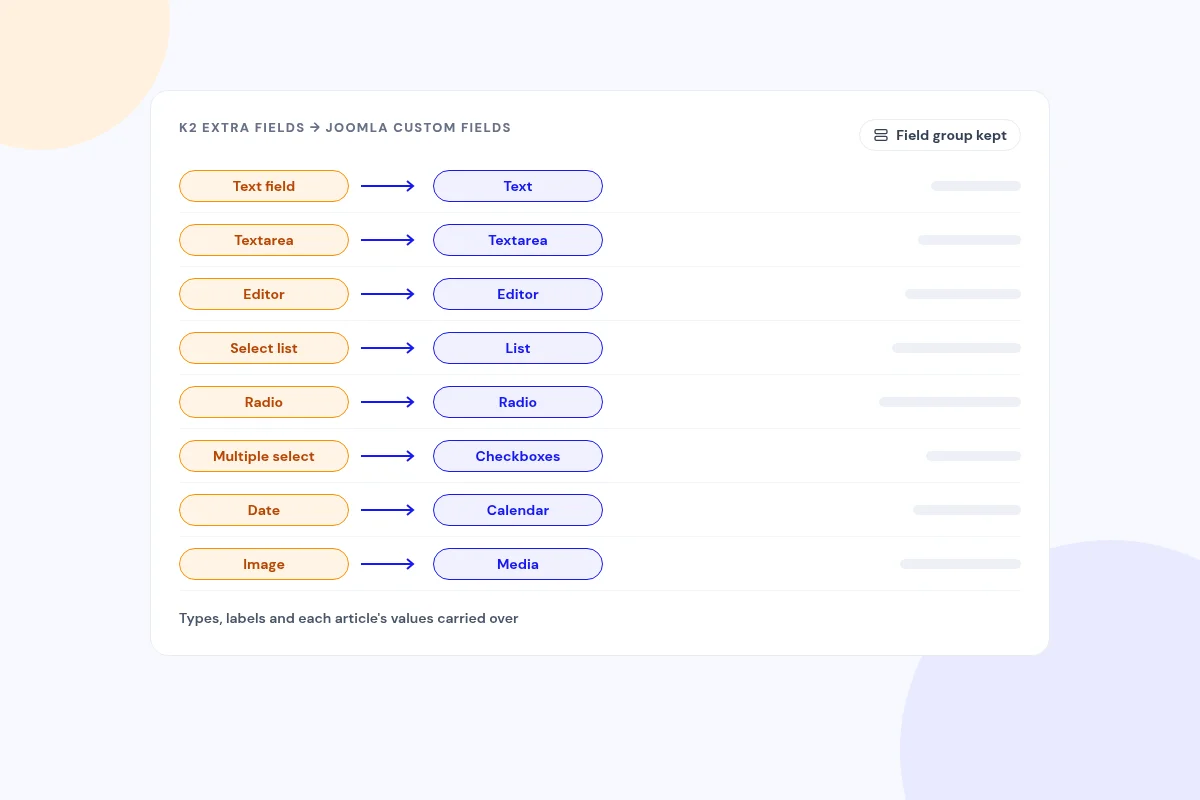
Bring extra fields into Joomla custom fields
Published K2 extra fields and field groups become Joomla custom fields, with their types, labels and each article's values. Unusual K2 field types become text fields.
List, radio and checkbox options are carried across for you to review in Joomla's field manager.
Copy your main images and fix their paths
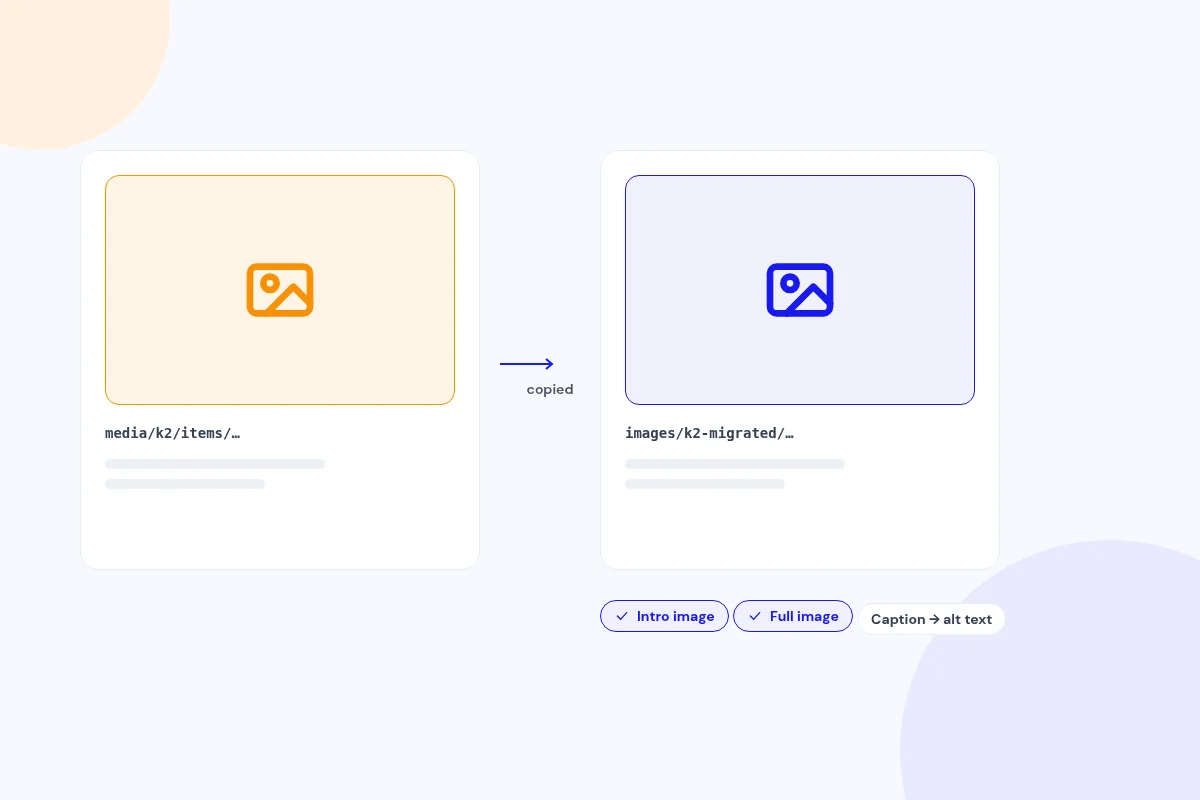
The single K2 main image for each item is copied to a Joomla folder you choose and set as both the article's intro and full image. Its caption becomes the alt text and caption, and image credits are added to the full-image caption.
media/k2/ paths in article text and field values are rewritten to the new folder. Images are copied, so the originals stay in place.
Redirect old non-SEF K2 item URLs
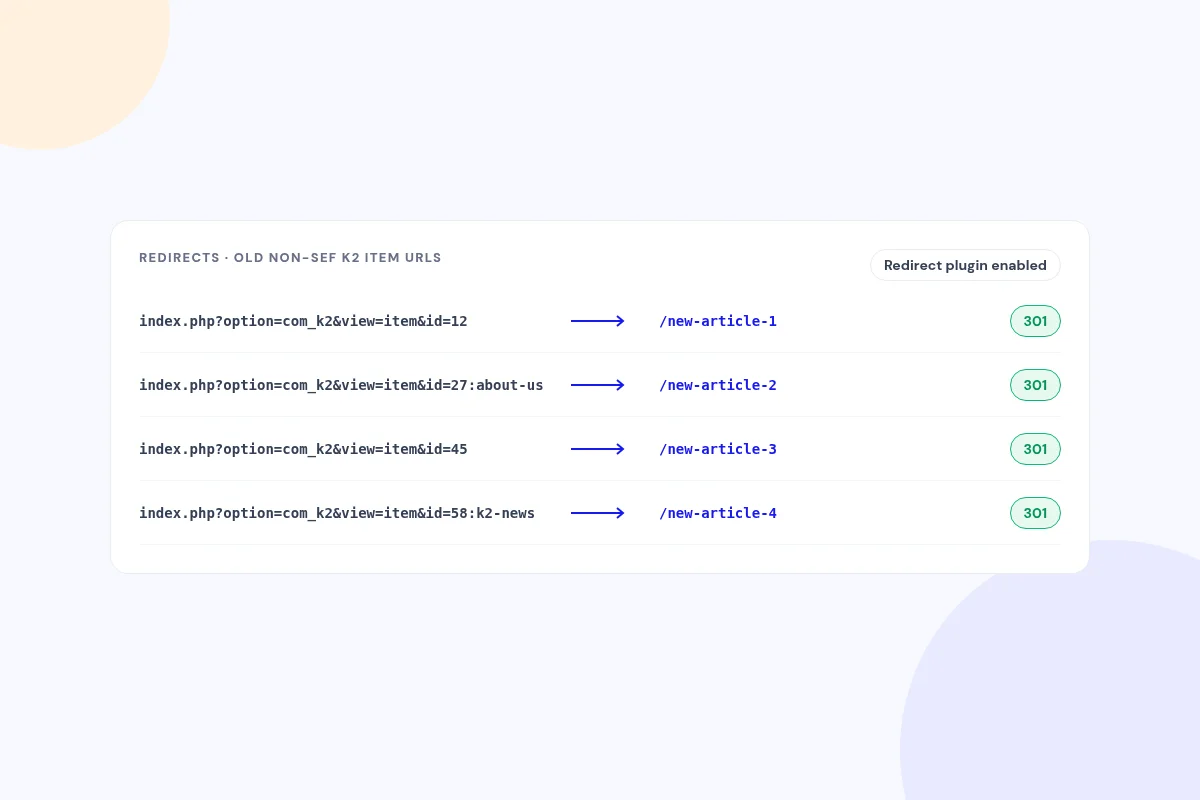
Migrate K2 Pro can create 301 redirects from old non-SEF K2 item URLs (index.php?option=com_k2…) to the new articles.
The redirects work through Joomla's Redirect plugin, and you can add any SEF URLs in Joomla's Redirects manager.
Export your K2 data as CSV, JSON or SQL
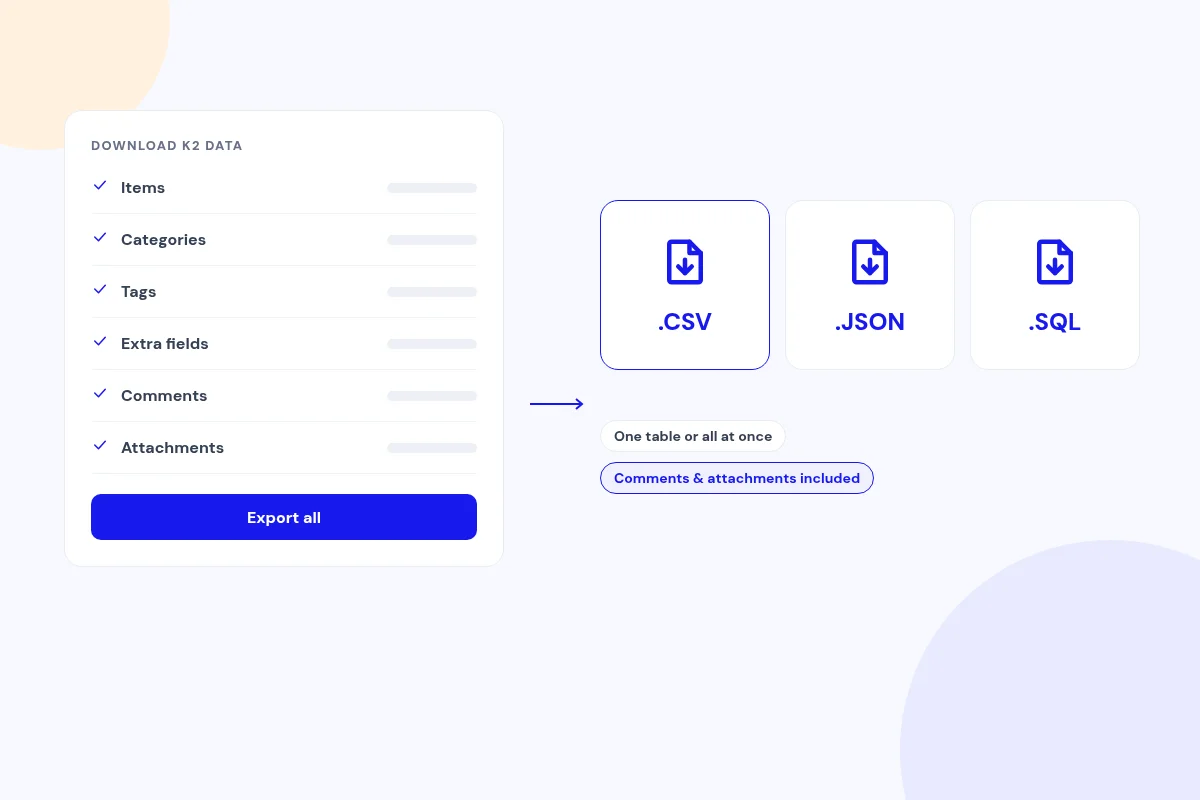
Download K2 items, categories, tags, extra fields, comments and attachments as CSV, JSON or SQL, one table at a time or all at once.
Export comments and attachments to CSV, JSON or SQL too, with or without running a migration.
Run it safely, and roll back if you need to
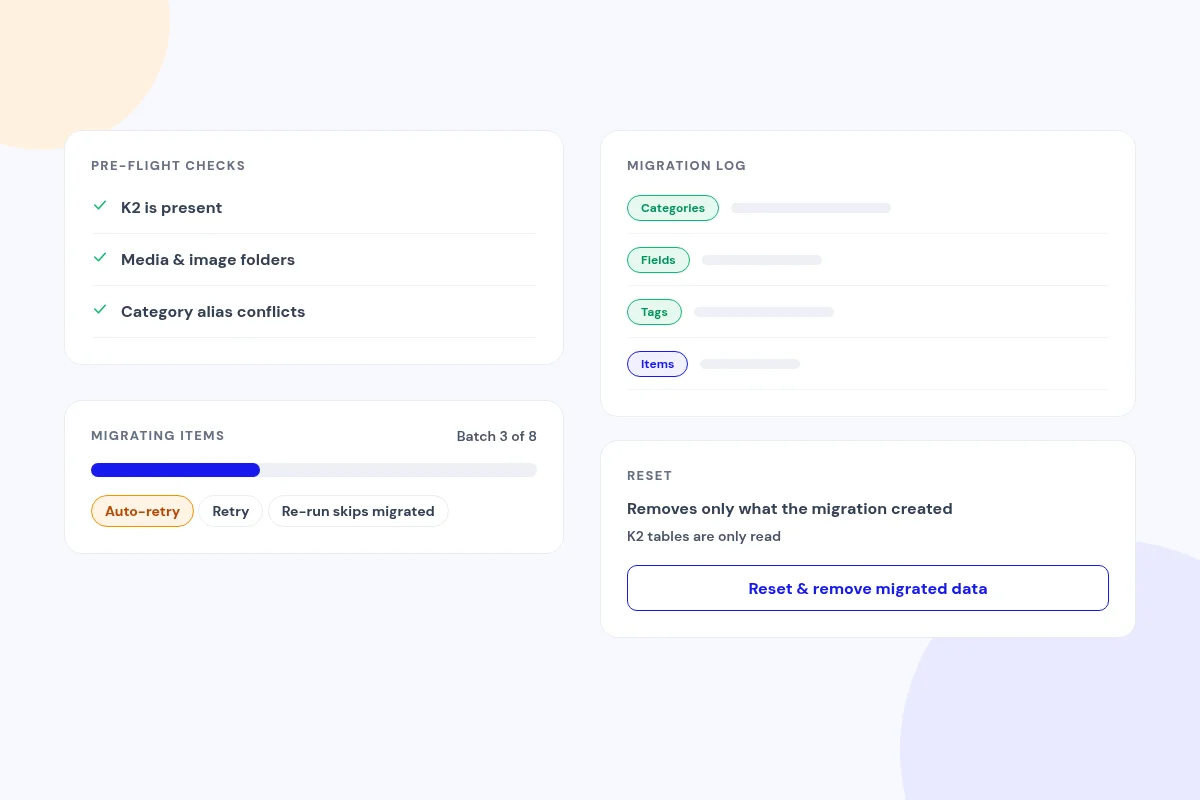
Pre-flight checks confirm that K2 is present, check the media and image folders, and flag category alias conflicts. Items then move in batches with a live progress bar, automatic retries and a Retry button, and a re-run picks up only new content.
Your K2 tables stay untouched. Every run is recorded in the migration log, and Reset cleanly removes what the migration created and reports what it removed.
Compatibility
Native Joomla 3 component. Migrate on Joomla 3 first, then upgrade your site.
FAQ
Is my K2 content safe?
Yes. Migrate K2 Pro reads your K2 tables and copies the data into core Joomla content, so your K2 content stays intact.
How do I get from K2 on Joomla 3 to a newer Joomla?
Install Migrate K2 Pro on your Joomla 3 site and migrate your K2 content to core articles. Then remove K2 and any extensions that depend on it, and upgrade Joomla through its standard upgrade path.
Which Joomla version does it run on?
Joomla 3. Migrate your K2 content on Joomla 3 first, then upgrade your site.
What happens to my old K2 URLs?
It can create 301 redirects from old non-SEF K2 item URLs (index.php?option=com_k2…) to the new articles, through Joomla's Redirect plugin. You can add any SEF URLs in Joomla's Redirects manager.
Can I run it more than once?
Yes. A re-run picks up new K2 content and leaves what's already migrated in place. You can also roll back and start again.
Can I undo the migration?
Yes. Reset cleanly removes what the migration created, including its redirects, and your K2 data stays intact.
Can I just export my K2 data?
Yes. Export K2 tables as CSV, JSON or SQL without running a migration.
Ready to move off K2?
Move your K2 content into core Joomla articles on Joomla 3, then upgrade.
Get Migrate K2 Pro (opens in a new window)Read the documentation (opens in a new window)