
Razorpay - JoomShopping
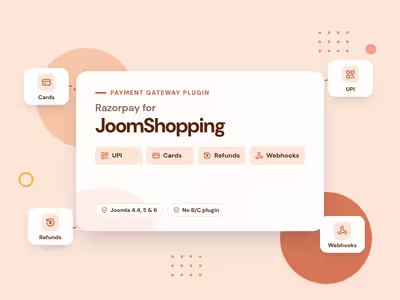
Accept UPI, cards, netbanking, and wallets in JoomShopping, with server-side checks, webhooks, and refunds.
30-day money-back guarantee
Changelog — Razorpay - JoomShopping
Version 1.0.9: 17 October 2026
- Razorpay Standard Checkout for HikaShop, Phoca Cart, JoomShopping, and J2Commerce: UPI, cards, netbanking, wallets, and EMI or Pay Later.
- Server-side signature, amount, and currency checks before an order is marked paid.
- Webhooks for payment.captured, order.paid, payment.failed, and refund.processed.
- Full and partial refunds from the shop, plus refunds made in the Razorpay Dashboard.
- Separate test and live keys.
- Mobile redirect checkout with a signed return link, so the bank page stays in the same session.
- Optional Razorpay logo next to the payment method. It is off by default, and an image you set yourself always stays.
- Four shop products and an All Shops Bundle. They can be installed side by side and share the payment library.
- An install over an earlier Jx-named build moves keys, payment methods, order references, and the download key.
What Razorpay for JoomShopping can do for you
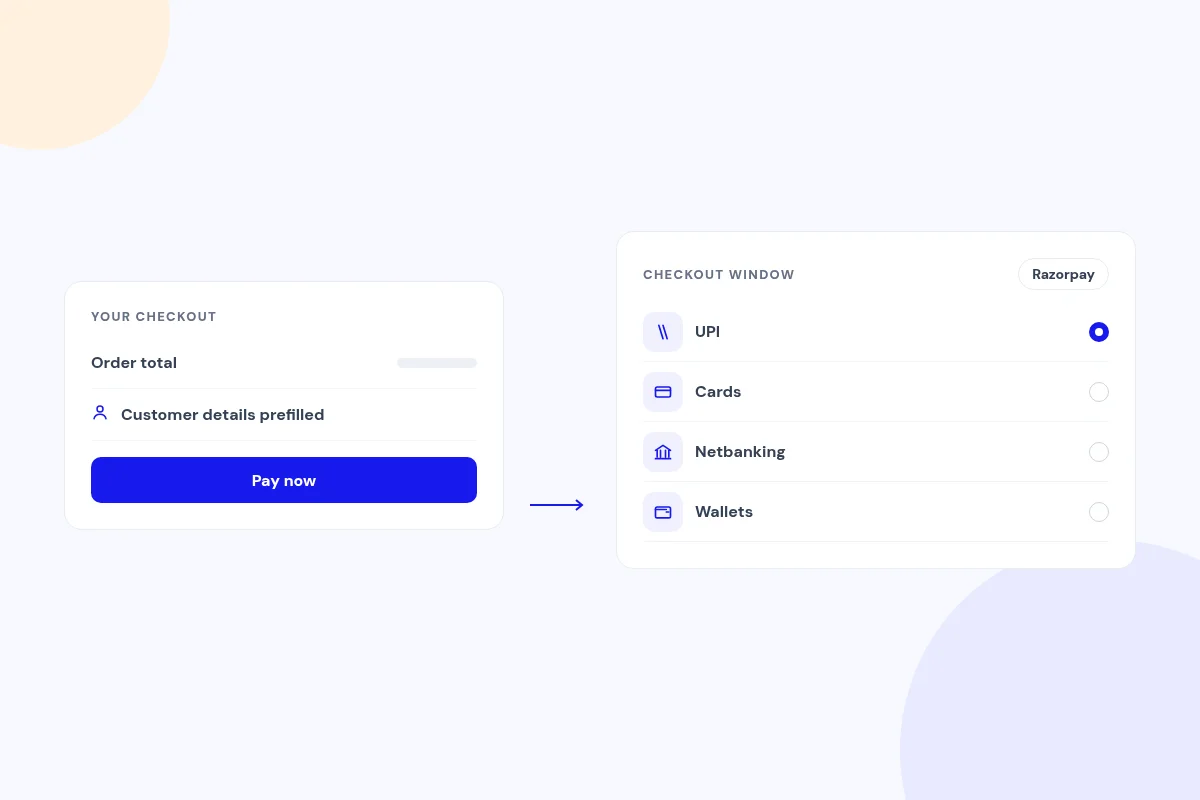
Take UPI, cards, netbanking and wallets
Customers pay in the Razorpay Standard Checkout window, opened from your JoomShopping checkout with the order amount and their details prefilled. They see whichever payment methods your Razorpay account has on.
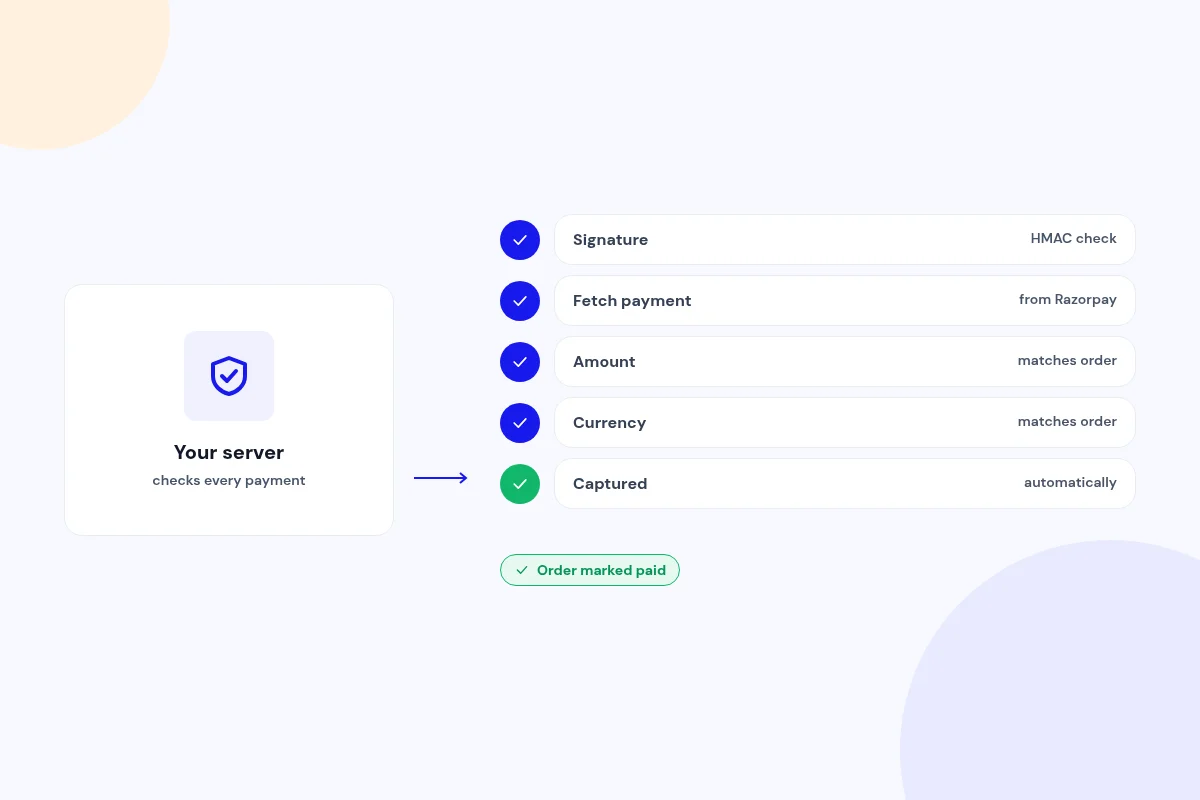
Every payment verified on your server
The payment signature is checked, then the payment is fetched from Razorpay and its amount and currency must match the order before it is marked paid. Authorized payments are captured automatically.
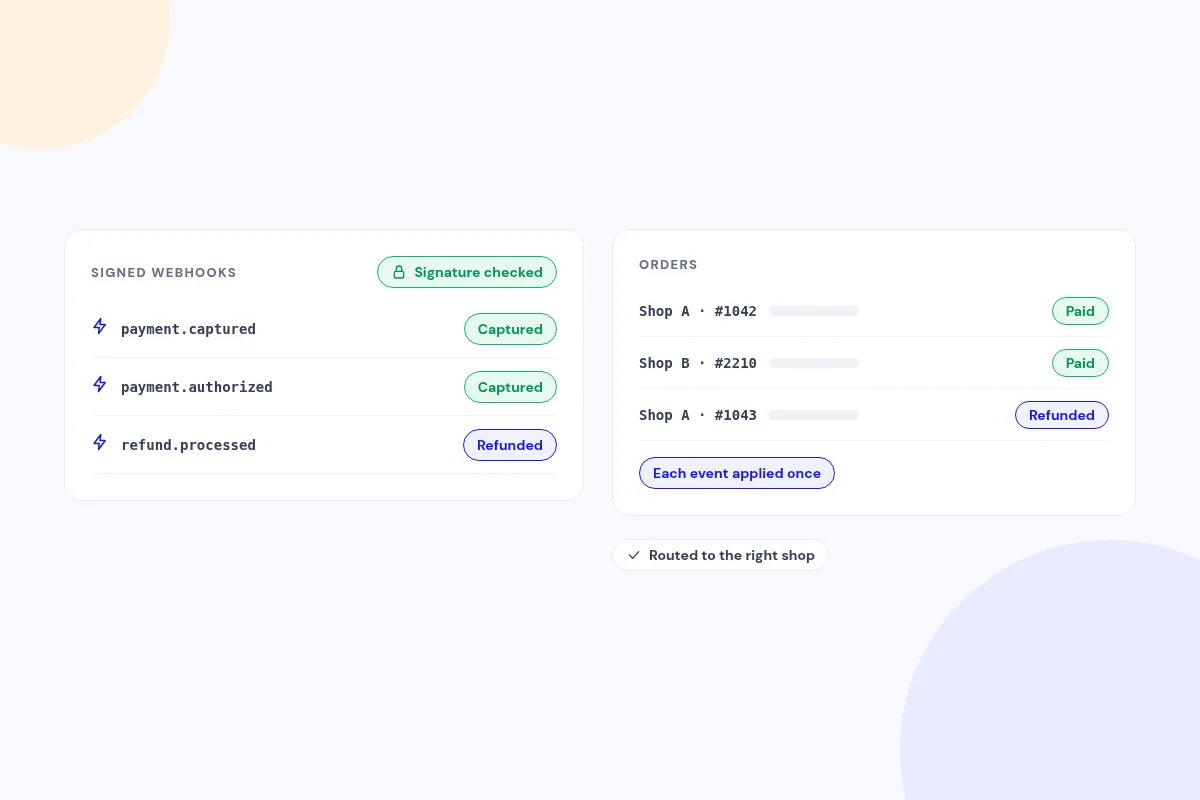
Webhooks that confirm every order
Signed webhooks mark orders captured, failed or refunded, even if the shopper closes the tab. Each event is applied only once.
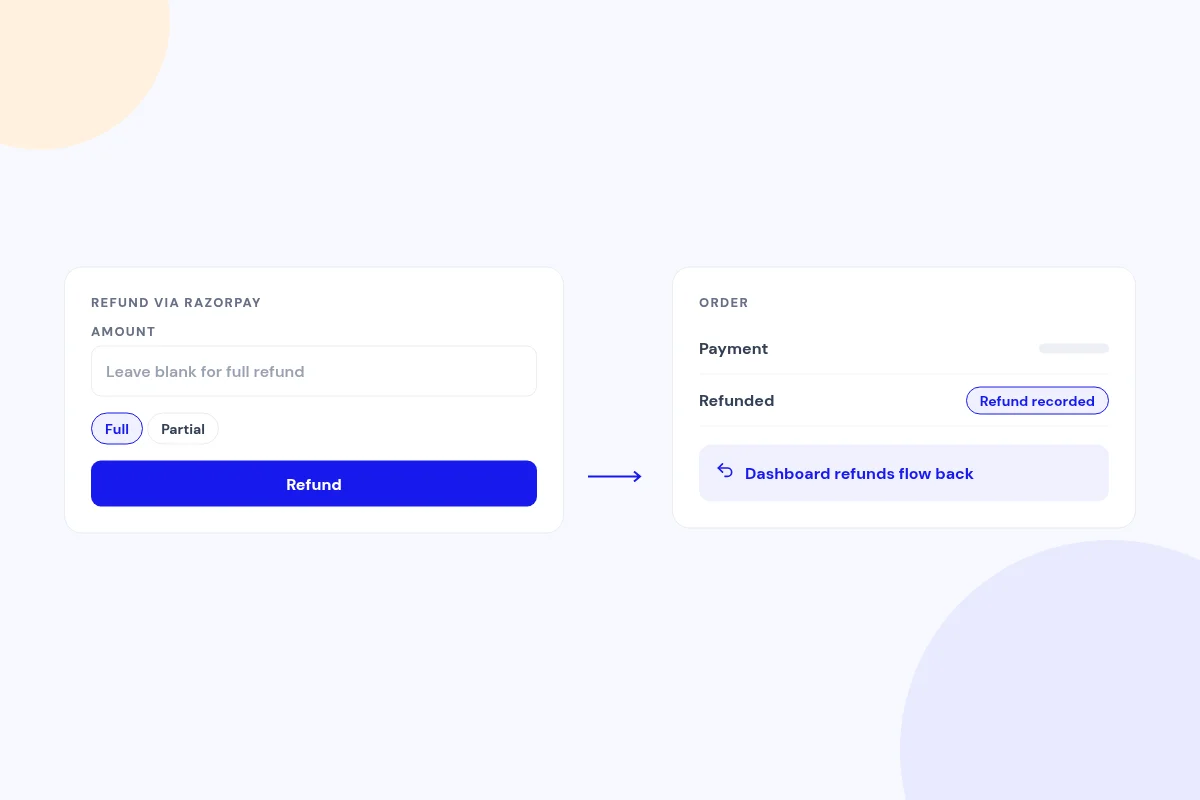
Refund in full or in part
Leave the amount blank for a full refund or enter part of it. Refunds made in the Razorpay Dashboard flow back to the order.
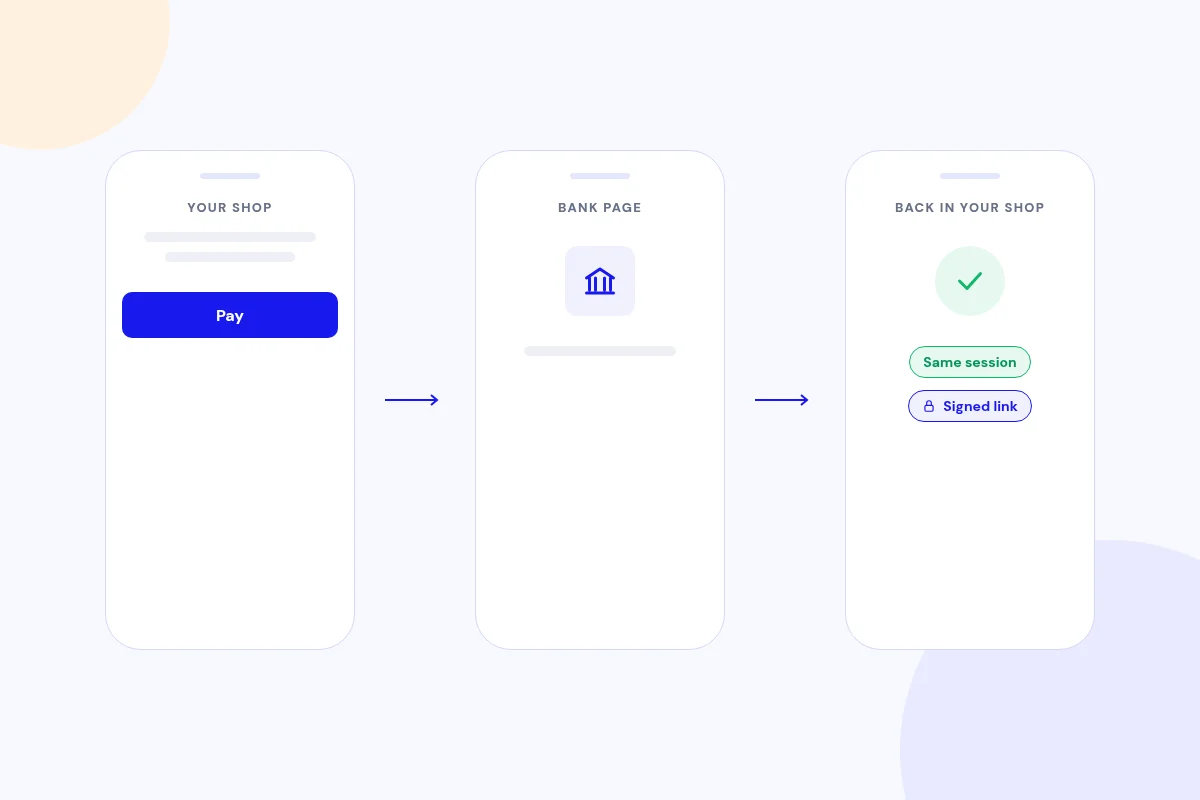
Made for phones
Redirect checkout brings shoppers back through a signed, time-limited link on your own domain, so they return to the same session.
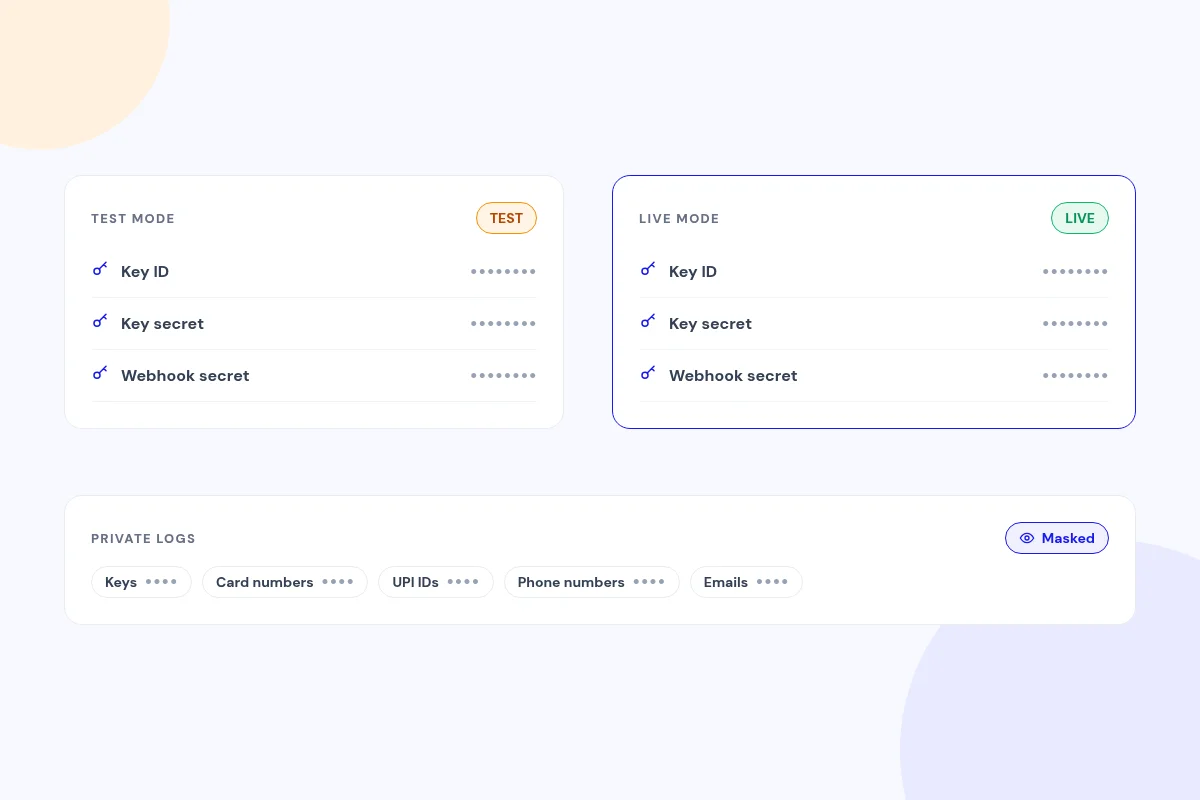
Test, then go live
Separate test and live keys and webhook secrets, with a TEST badge on test payments. Logs mask keys, card numbers, UPI IDs, phone numbers and emails.
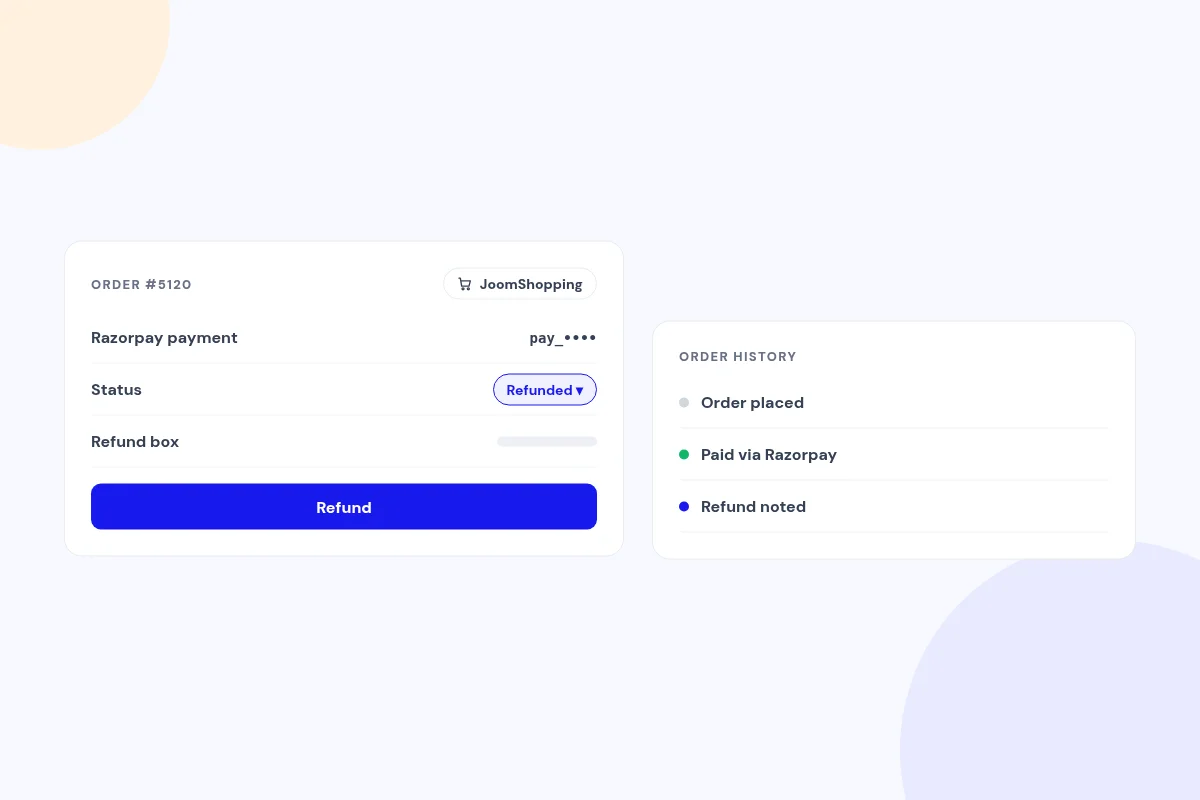
Razorpay details on every JoomShopping order
Each order shows its Razorpay payment and a refund box, and changing the status to Refunded refunds it automatically. Refunds are noted in the order history.
Compatibility
FAQ
Which payment methods will my customers see?
Whichever methods your Razorpay account has on, such as UPI, cards, netbanking and wallets.
Which currencies does it support?
INR plus any currency codes you add to the accepted list. Zero- and three-decimal currencies are handled correctly.
What do I need?
Joomla 4.4, 5 or 6, PHP 8.1+ with cURL and OpenSSL, and JoomShopping 5.
Can I show the Razorpay logo at checkout?
Yes. The Razorpay logo is optional and off by default, and your own payment method image is always used when you set one.
I used an earlier "Jx" Razorpay build. Will my settings carry over?
Yes. The installer moves your keys, payment methods, order references and download key from the earlier builds.
Ready to add Razorpay for JoomShopping to your site?
Read the Razorpay for JoomShopping documentation, then pick a plan.
Get Razorpay for JoomShopping (opens in a new window)Read the documentation (opens in a new window)