
User Import Export
Import and export Joomla users with multiple format support.
30-day money-back guarantee

Changelog — User Import Export
Version 1.4.3: 19 October 2026
- Runs on Joomla 5 and 6 with the Behaviour Backward Compatibility plugins disabled
- Templates and helpers use current Joomla APIs
Version 1.4.2: 3 October 2026
- Import: the "Send email" option is now respected. When it is unticked, imported users get no email at all. Before, Joomla's own "account created" email went to every new imported user, with an empty password line, whatever the option said.
- Import: when "Send email" is ticked, each new user gets one welcome email with the username and either the password the import generated or a link to set a password. It never contains an empty password.
- Import: rows with no username or email (empty, or the column is not mapped) are skipped with a clear error. No user is created or changed for those rows.
- Export: PHP notices and deprecation messages can no longer get into CSV, JSON or XML downloads and corrupt them (seen on PHP 8.4 with error reporting switched on).
- Updates: the update server address now points to updates.joomlax.com, so sites see new versions in System - Update - Extensions.
- The installer refuses Joomla 4 and PHP below 8.1 with a clear message (the version check in 1.4.0 never ran).
- Download Key support: enter your JoomlaX download key in System - Update Sites so updates install from Joomla's Update button.
- Imported and updated users are recorded in User Actions Log (as user added / user updated), when the site logs Users events.
Version 1.4.0: 11 May 2026
- Import: Joomla user plugins after save — After creating a user or updating core account data (including group assignment from the CSV), the extension dispatches
onUserAfterSave, matching normal saves in Users. Third-party integrations (for example AcyMailing list subscription when “new Joomla user” rules are used) can run without opening each user in the backend. - Import: group column handling — The
groupsfield is no longer passed to the#__userstable on insert/update; it is only applied via the user–group map, avoiding invalid SQL when the import file includes a group column.
Version 1.3.0: 05 April 2026
- Import: “Require Password Reset” option fixed — Unchecking this option on the import mapping screen is now honoured. Previously, browsers do not submit unchecked checkboxes, and the importer defaulted missing values to “require reset”, so every new user was still forced to reset their password on first login.
- Import: reliable boolean options — Added hidden fields and explicit parsing for the import “Require Password Reset” and “Send email” checkboxes so submitted values always match what you select on the form.
Version 1.2.0: 14 February 2026
- Skipped Rows Report - When an import has skipped or error rows, you can now view a detailed report.
- Report button in the Logs view opens a modal listing all skipped rows (row number, email/username, reason) and error rows (row number, message).
- Reasons include "User already exists (add-only mode)" and "User not found (update-only mode)".
- Downloadable Report (CSV) - Export the skipped and error report to CSV.
- Download Report button in the Logs Actions column for import entries with skipped or errors.
- Also available from inside the Report modal.
- CSV includes Skipped Rows (Row, Email/Username, Reason) and Error Rows (Row, Message) sections.
Version 1.1.0: 13 February 2026
- Import of Custom Fields — You can now import Joomla Custom Fields (including radio buttons, list, text, etc.) when importing users.
- Custom fields appear in the import field mapping dropdown under "Custom Fields".
- Map your file columns to any user custom field (e.g. "Custom: Gender", "Custom: Preferred Contact").
- Values are saved to the database for both new users and when updating existing users.
- Supports all custom field types that store a single value (radio, list, text, etc.).
- Export of custom fields (including radio) was already supported in 1.0.0; this release adds the matching import capability.
Version 1.0.0: 01 January 2026
- Initial release.
- Export users to CSV, Excel (XLSX), JSON, XML, or SQL.
- Import users from CSV, Excel (XLSX/XLS), JSON, or XML.
- Field mapping with auto-detect and support for core fields, profile fields, and user groups.
- Export of custom fields (all types, including radio).
- Import modes: add only, update only, or add and update.
- Match existing users by email or username.
- Pre-import validation (emails, usernames, duplicates).
- Password handling options (exclude, hashed, placeholder on export; auto-generate, import hashed, require reset on import).
- Reusable export/import templates.
- Operation logging with optional file re-download.
- Dashboard, filters, and Joomla 5/6 compatibility.
What User Import Export can do for you
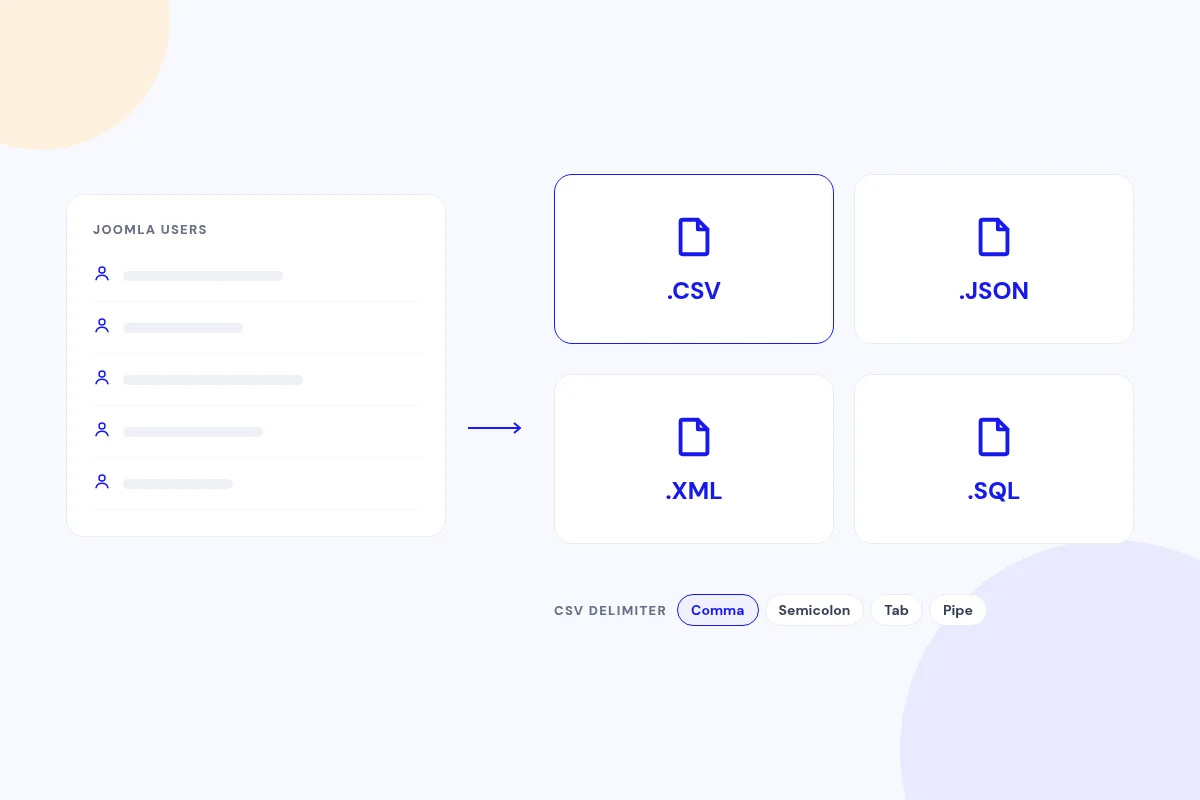
Export in the format you need
Export users as CSV, JSON, XML or SQL, with a comma, semicolon, tab or pipe delimiter for CSV.
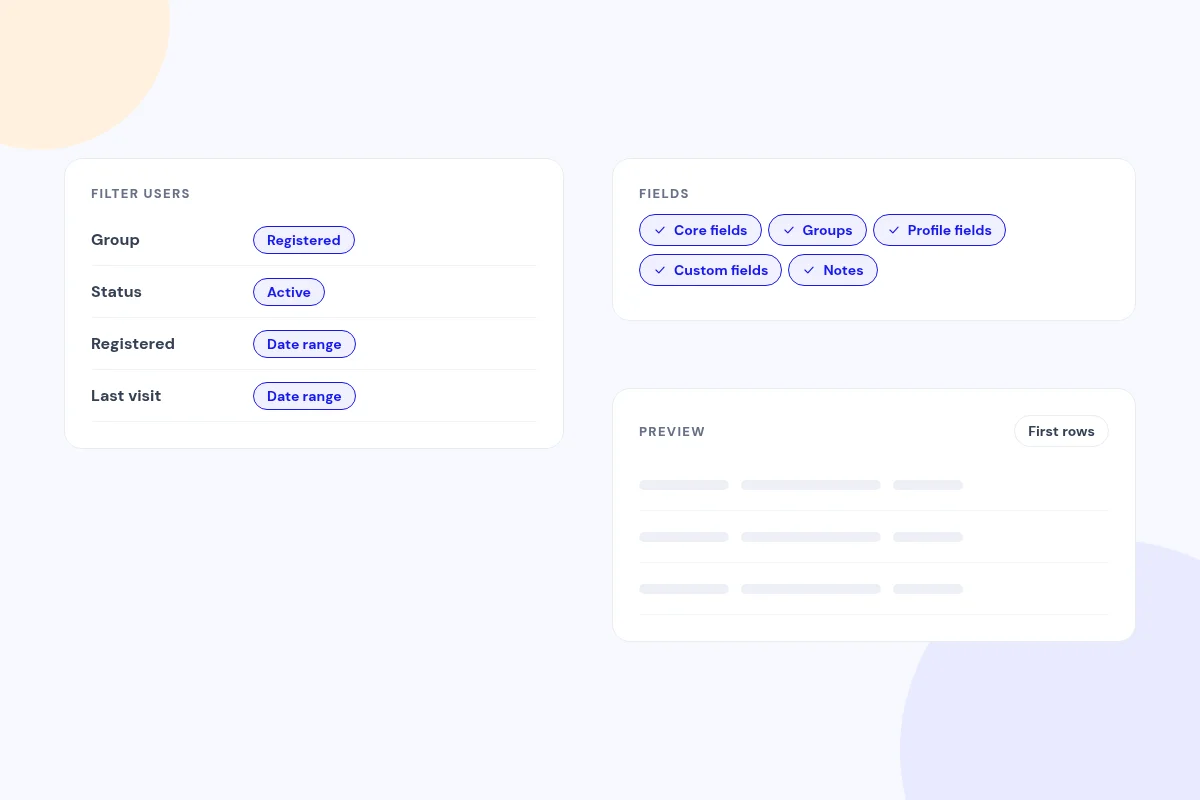
Exactly the users and fields you want
Filter by name, group, status, registration or last-visit dates, or user IDs. Pick core fields, groups, profile fields, custom fields and notes, then preview the first rows.
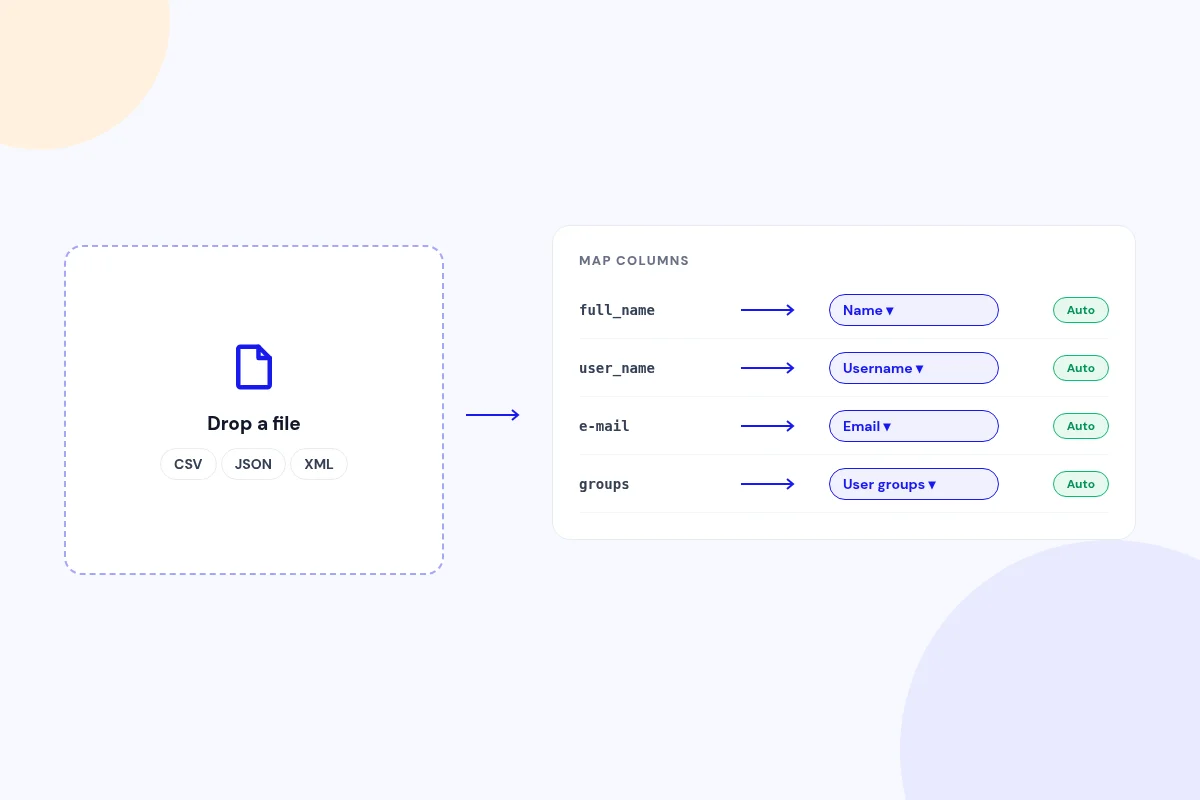
Drop in a file and map it
Import CSV, JSON or XML. Columns are matched to Joomla fields automatically, and you can adjust any mapping.
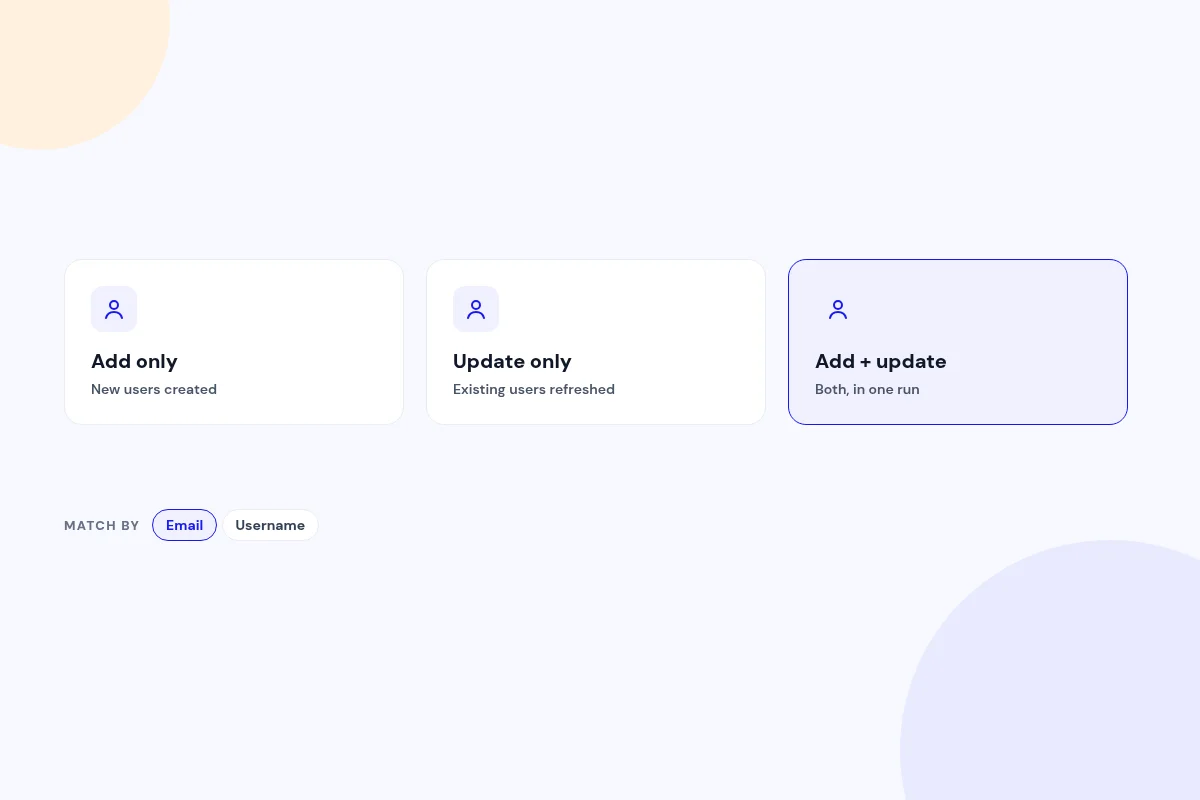
Add, update or both
Create new users, update existing ones, or do both, matched by email or username.
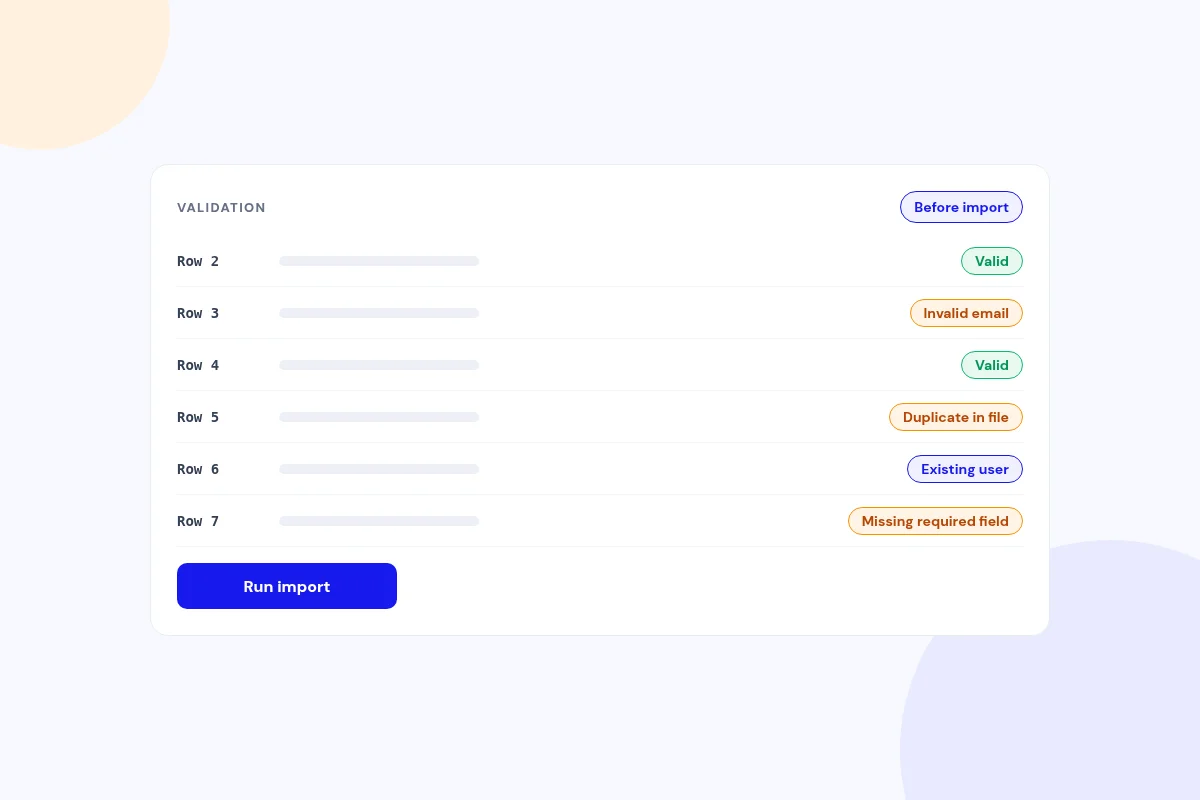
Checked before anything changes
Row-by-row validation flags invalid emails and usernames, missing required fields, duplicates in the file and existing users.
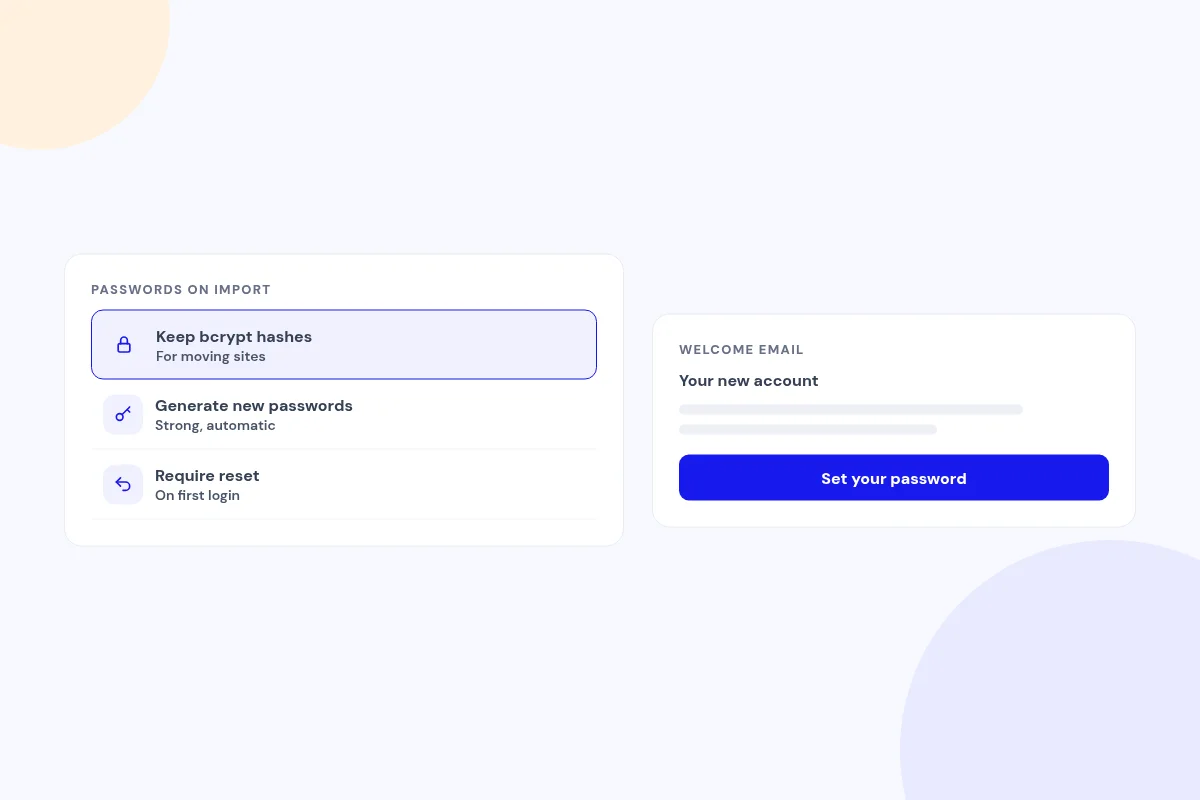
Passwords handled your way
Keep bcrypt hashes when moving sites, generate new passwords, or require a reset on first login. You can send one welcome email with a set-password link.
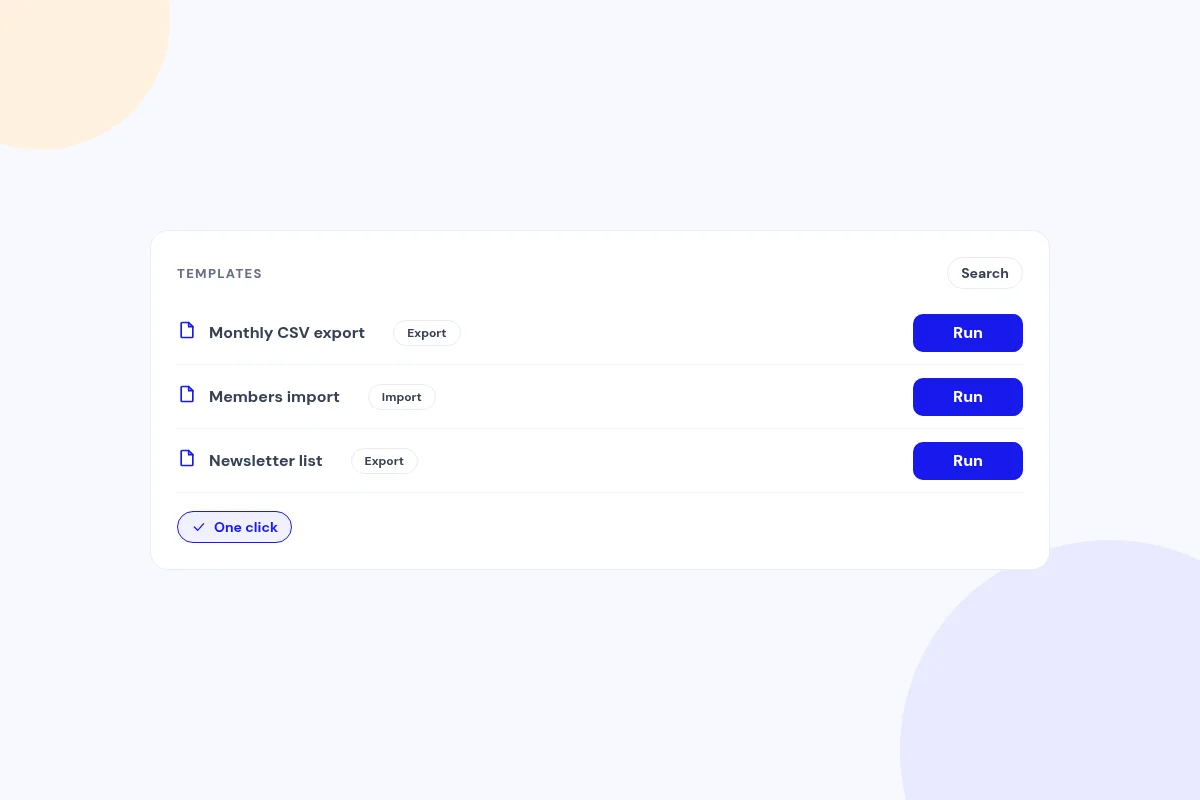
Save it once, run it again
Save any export or import as a named template and run it again in one click.
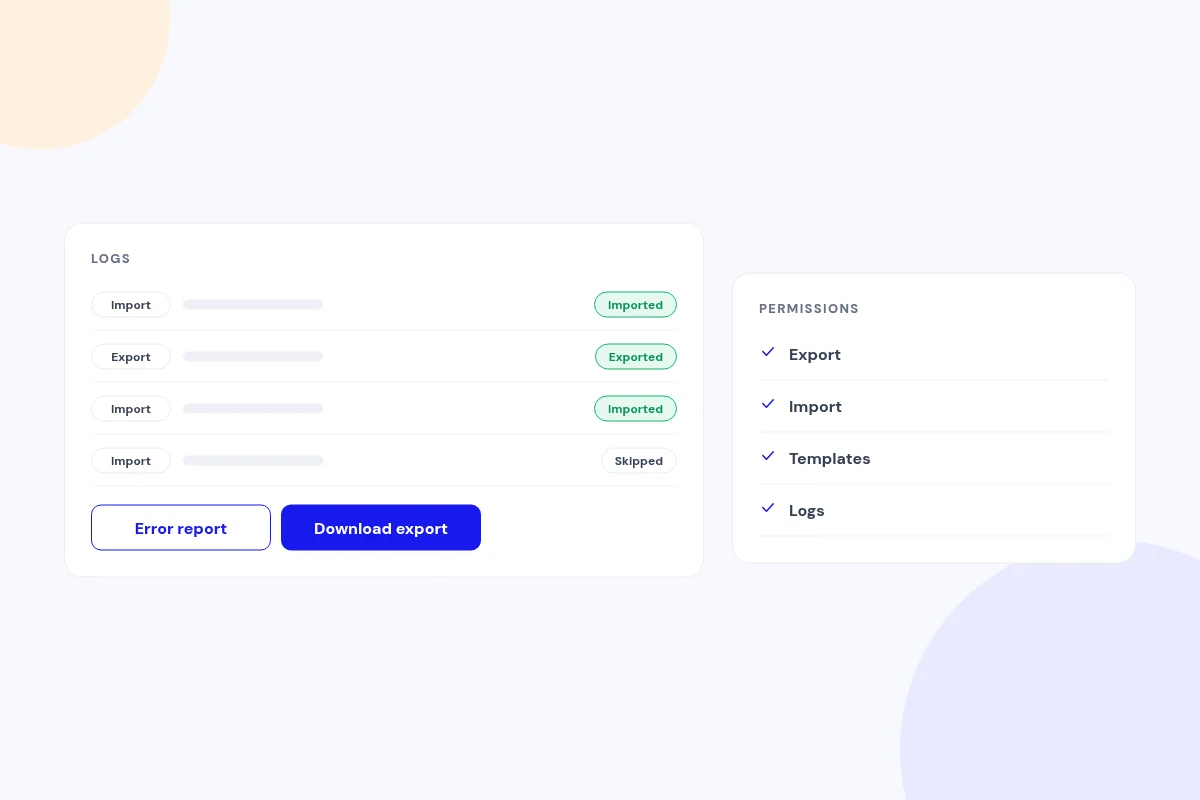
A full record of every run
Every run is logged with success, error and skipped counts. Download error reports and past exports, with separate Joomla permissions for each task.
Compatibility
FAQ
Which Joomla and PHP versions does it support?
Joomla 5 and 6, with PHP 8.1 or later.
Can other plugins react to imported users?
Yes. Imports fire Joomla's user save events and are recorded in Joomla's Action Logs.
Do I get a sample file to start from?
Yes. Download a sample CSV with the headers and an example row.
Are user groups and custom fields imported?
Yes. Groups are matched by name or ID, with a default group, and profile and custom field values are saved.
Will Joomla send its own account-created email for every user?
No. That email is suppressed, and you can choose to send one welcome email instead.
Can I check the data before importing?
Yes. You see a preview of the first rows, and validation reports any problems row by row before the import runs.
Ready to add User Import Export to your site?
Read the User Import Export documentation, then pick a plan.
Get User Import Export (opens in a new window)Read the documentation (opens in a new window)