Easy Code Highlighter
Code Highlighter Plugin for Joomla
30-day money-back guarantee

Changelog — Easy Code Highlighter
Version 2.2: 20 October 2026
- Download Key support on the update site (dlid).
Version 2.1: 19 October 2026
- Runs on Joomla 5 and 6 with the Behaviour Backward Compatibility plugins disabled
- The editor button uses the Joomla 5 plugin service and the current database API
Version 2.0: 20 July 2026
- Full rebuild on Prism.js 1.30 with modern Joomla 4 / 5 / 6 system plugin (service provider, namespace, SubscriberInterface)
- Replaced abandoned SyntaxHighlighter 3 assets and packed eval core
- Shortcode is
[codehighlight id=X]only; legacy{code}...{end-code}markup is retired - Fixed language mapping for JavaScript, C#, PowerShell, and other brushes that failed under the old filename rules
- Added line numbers, line highlight, and copy toolbar via Prism plugins
- Legacy theme names map to the closest Prism themes
- Added editors-xtd insert button for published snippets
- Component branding, SQL datetime defaults, and MEDIUMTEXT code column update
- Package includes component, system plugin, and editor button
Version 1.7: 12 December 2025
- Package version 1.7 with component and plugin
- Component version 1.7 - Complete code snippet management system
- Plugin version 1.7 - Shortcode processing and display
- Full Joomla 4, 5 & 6 compatibility
- Modern PHP 8.0+ support
- Backend component for managing code snippets
- Shortcode system: [codehighlight id=X]
- Support for multiple programming languages
- Syntax highlighting with multiple themes
- Copy to clipboard button
- Line numbers (gutter) option
- Highlight specific lines feature
- Responsive design for all devices
- Auto-enabled plugin on installation
- User-friendly backend interface
- Proper ACL integration
- Security enhancements
- Performance optimizations
- Improved language loading
- Fixed menu language constants
Version 1.6: 12 September 2025
- Added copy to clipboard functionality with modern Clipboard API and fallback support.
- Fixed HTML entity encoding issues for proper code display.
- Improved admin interface with professional styling and theme preview.
- Enhanced folder structure organization for better maintainability.
- Added comprehensive Joomla 5.3.3 compatibility and testing.
- Optimized asset loading with lazy loading of language brush files.
- Improved accessibility with screen reader and keyboard navigation support.
- Enhanced security with proper input sanitization and output escaping.
- Removed unused files and cleaned up codebase for production readiness.
Version 1.5: 10 February 2023
- Changes to backend of the plugin.
Version 1.4: 25 October 2021
- Supports Joomla 4
Version 1.3: 19 June 2021
- Backend jQuery Issue Fixed
- Modifications to Plugin Backend
Version 1.2: 23 May 2019
- Joomla Update Integrated
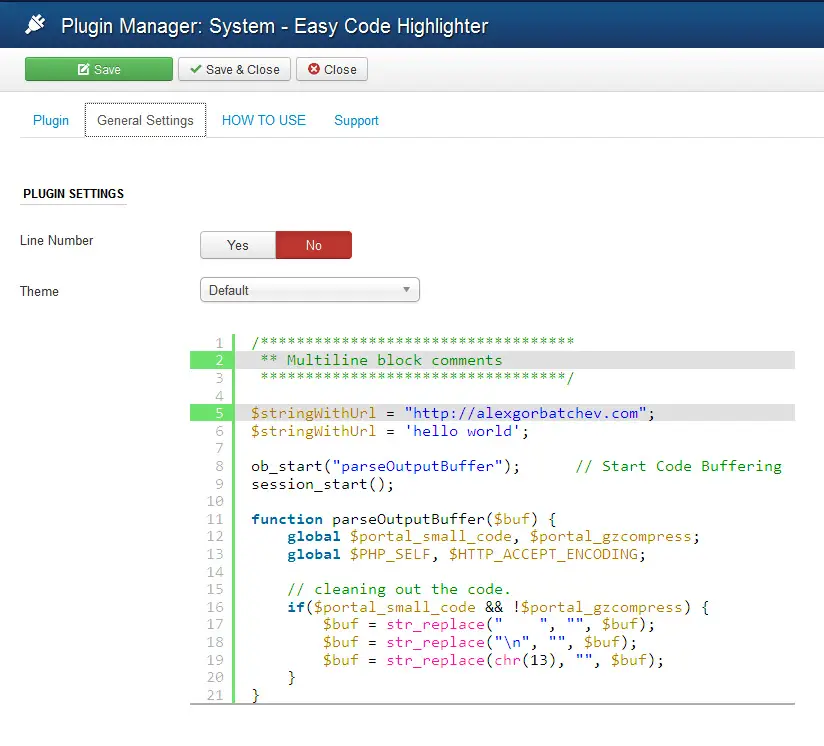
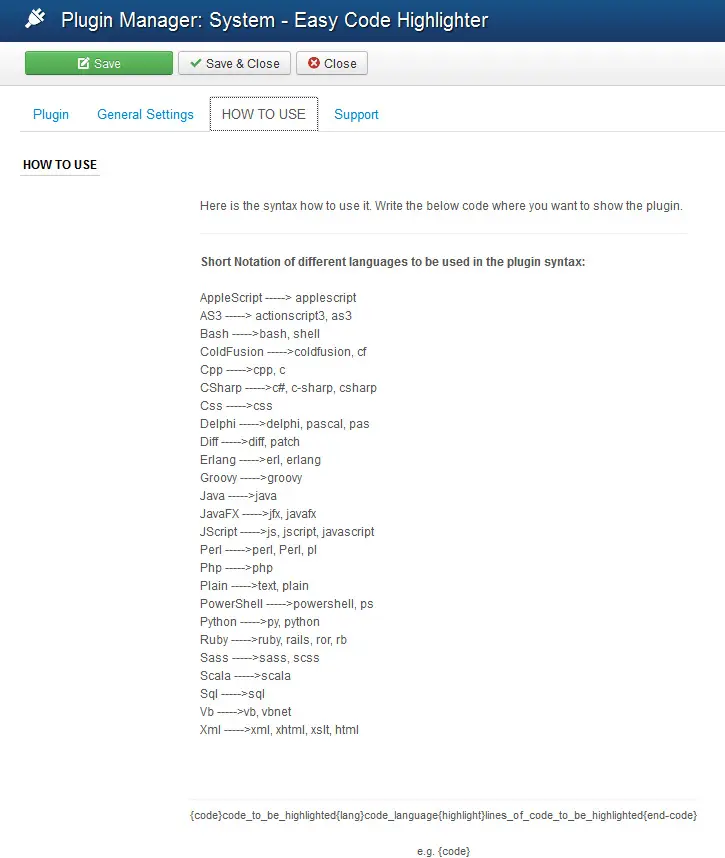
Easy Code Highlighter is an easy to use system plugin for highlighting code snippets in Joomla . This plugin is supported by all versions of Joomla and has 8 theme styles to define. The highlighter is supported by about 18 programming languages.
Live Demo 1
Displaying PHP code inside an article using the plugin.
{code}
<?php
echo "Welcome to PHP";
?>
<span>Hello</span>
<?php
/***********************************
** Multiline block comments
**********************************/
$stringWithUrl = "http://alexgorbatchev.com";
$stringWithUrl = 'http://alexgorbatchev.com';
ob_start("parseOutputBuffer"); // Start Code Buffering
session_start();
function parseOutputBuffer(\$buf) {
global $portal_small_code, $portal_gzcompress;
global $PHP_SELF, $HTTP_ACCEPT_ENCODING;
// cleaning out the code.
if($portal_small_code && !\$portal_gzcompress) {
$buf = str_replace(" ", "", $buf);
$buf = str_replace("\n", "", $buf);
$buf = str_replace(chr(13), "", $buf);
}
}
?>
{lang}php{highlight}4,7{end-code}
Live Demo 2
Displaying CSS code inside an article using the plugin.
{code}
.sample_div{
border-radius: 5px 5px 5px 5px;
border: 2px solid #FF0;
font-weight: bold !important;
}
{lang}css{highlight}{end-code}
VIEW DETAILS (opens in a new window) DOWNLOAD NOW (opens in a new window)