
Easy External Links
Open external links in a new tab, add noopener, nofollow, sponsored, or ugc, and mark outbound links with an icon across the whole site.
30-day money-back guarantee
Changelog — Easy External Links
Version 1.0.0: 2026-11-27
First release of Easy External Links for Joomla 4, 5, and 6.
System plugin
Easy External Links
Every outbound link, handled.
New tab, safe and SEO rel values, and a clear external icon on every link that leaves your site. No article editing, no jQuery.
Live on this demo
What to check
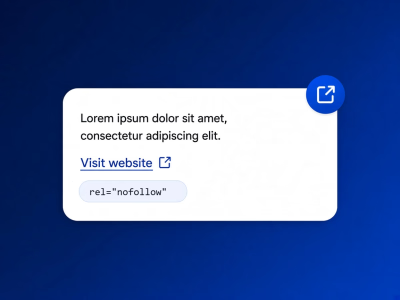
The links below were written as plain links in the article. The plugin rewrote them when the page was rendered. The grey chip after each link shows the target and rel it ended up with. On this demo the plugin adds noopener, noreferrer, and nofollow, opens a new tab, and treats joomlax.com as internal.
- Joomla.org(opens in a new tab) is external, so it gets a new tab, rel values, and the icon.
- MDN rel reference(opens in a new tab) already had
rel="help". The plugin keeps it and adds its own values. - WordPress.org has
class="no-external", so it is left exactly as written. - PHP.net has
data-eel="off", which also opts it out. - JoomlaX store is on a domain listed as internal, so nothing changes.
- This demo home page is a relative link to your own site and is never touched.
- is an icon-only link. It opens in a new tab, but no extra icon is drawn next to it.
This email address is being protected from spambots. You need JavaScript enabled to view it. is a mailto link, so it stays as it is.
Whole site
Works on the rendered page, so articles, modules, menus, and third party components are all covered.
Safe rel values
Add noopener, noreferrer, nofollow, sponsored, or ugc. Values already on a link are kept.
Your rules
Excluded and internal domains, skip classes, regions, menu items, and components. Files can open in a new tab too.
Accessible
Hidden "(opens in a new tab)" text for screen readers, and an icon that follows your link colour.
First-time setup
Four steps
- Install the plugin zip from EasyExternalLinks_UNZIP.zip. System - Easy External Links is enabled for you.
- Open the plugin and choose new tab, the rel values you want, and the icon style.
- Under Rules, list partner domains to leave alone and any other domains you own.
- Refresh any page on your site. Outbound links are updated, internal links stay as they are.