
ModulePlugin
Image GalleryPhotobox
Image Gallery Module for Joomla
Instant access after purchaseOne-click Joomla updatesLifetime option available
30-day money-back guarantee
Works with
Joomla 4 Joomla 5 Joomla 6

Changelog — Photobox
Version 2.1: 19 October 2026
- Runs on Joomla 5 and 6 with the Behaviour Backward Compatibility plugins disabled
- The editor button uses the Joomla 5 plugin service and Web Asset Manager
Version 2.0: 16 July 2026
Added:
- Joomla 4 / 5 / 6 services architecture (namespaced module)
- Vanilla CSS/JS lightbox with
jx-pbxprefix (no jQuery / Photobox 1.8) - Masonry layout (default) or uniform CSS grid
- Keyboard, swipe, filmstrip, counter, captions, autoplay
- Themes: Modern 2026, Minimal, Dark + accent colour (close-button hover uses accent)
- WebP thumbnail cache under
images/mod_photobox_cache/ - Content plugin shortcode
{photobox …} - Editors-xtd button with insert modal (masonry option)
- Package
pkg_photobox_2.0.zip(module + content + editors-xtd)
Changed:
- Tabbed parameters: Look & Feel / Lightbox / Images / Advanced
- Default thumb size raised for sharper grids (e.g. 720×480; masonry uses width-only)
- Removed separate Close Button Hover Color setting (follows Accent Color)
Fixed:
- Removed jQuery dependency and legacy Photobox library conflicts
Version 1.9: 26 November 2025
- Fully compatible with Joomla 4, 5, and 6
- Replaced timthumb with Joomla's native Image class for image resizing
- Advanced thumbnail styling (border, radius, shadow, filters)
- Flexbox gallery layout + gallery item padding
- WebAssetManager, improved XML labels, security hardening
Version 1.4
- Uses LazyLoad to load thumbnail images
Version 1.8: 12 December 2023
- Support Joomla 5
- No need for a Backward Compatibility Plugin
Version 1.3
- CSS issue fix
Version 1.7: 09 February 2023
- Code optimization
- Removed Fixed width
- Removed jQuery load in body
Version 1.2
- Uses Joomla Update System
- Uses Joomla jQuery Framework
- Uses Joomla Subform
Version 1.6: 26 October 2021
- Supports Joomla 4
- Joomla Updater integrated
Version 1.5: June 2021
- Fixed image loading issue for Image Slide options
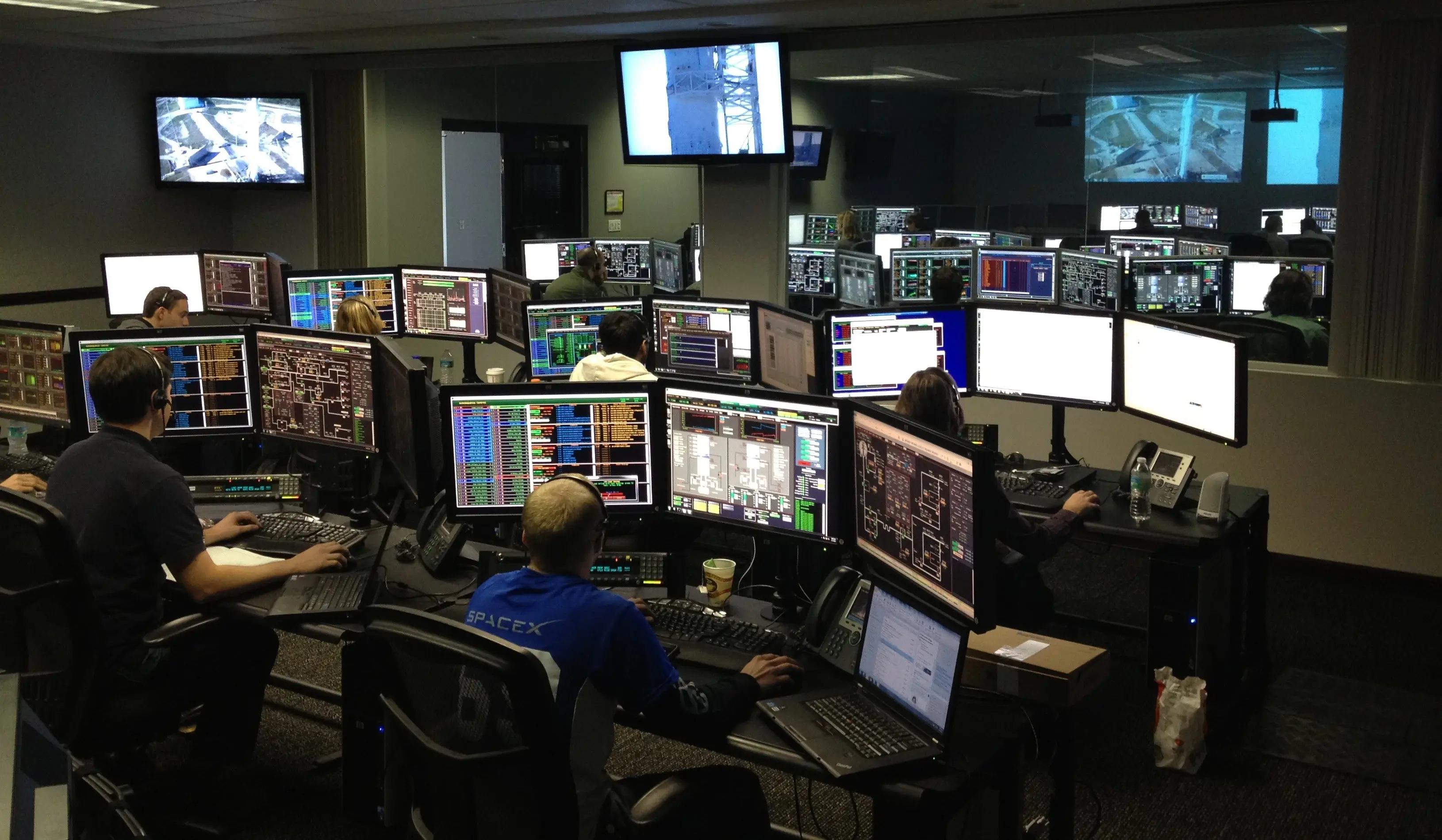
DemoExample 1 — Masonry Folder Gallery
Load every image from a folder with Pinterest-style masonry. Click a thumbnail to open the lightbox.





{photobox folder="images/photobox" columns="3" gap="8" masonry="1" theme="modern-2026" thumbs="1" webp="1" thumbwidth="720"}DemoExample 2 — Dark Theme
Use theme="dark" and a teal accent for a studio-style gallery.
{photobox folder="images/photobox" columns="4" masonry="1" theme="dark" accent="#2dd4bf" thumbwidth="720"}DemoExample 3 — Uniform Grid (No Masonry)
Disable masonry for a denser equal-cell grid.
{photobox folder="images/photobox" columns="4" gap="4" masonry="0" theme="minimal" thumbwidth="560" thumbheight="374"}DemoExample 4 — Autoplay Lightbox
Open on first click with autoplay and filmstrip enabled.
{photobox folder="images/photobox" columns="3" masonry="1" autoplay="1" time="2500" thumbs="1" loop="1" thumbwidth="720"}DemoExample 5 — No Filmstrip
Hide the bottom filmstrip for a cleaner lightbox.
{photobox folder="images/photobox" columns="3" masonry="1" thumbs="0" counter="1" thumbwidth="720"}